
0 5
Carousel Generator
8-Ball strike
A bold leisure carousel concept for nightlife, story posts, and social content hooks.
Create multi-slide carousel posts online with ZenCreator AI. Turn ideas, text, product concepts, creator content, and campaign messages into carousel-style visuals with a consistent design direction across slides.
Use ZenCreator AI Carousel Generator when you need faster carousel content for Instagram, LinkedIn, TikTok covers, product campaigns, educational posts, agency drafts, and social media planning.

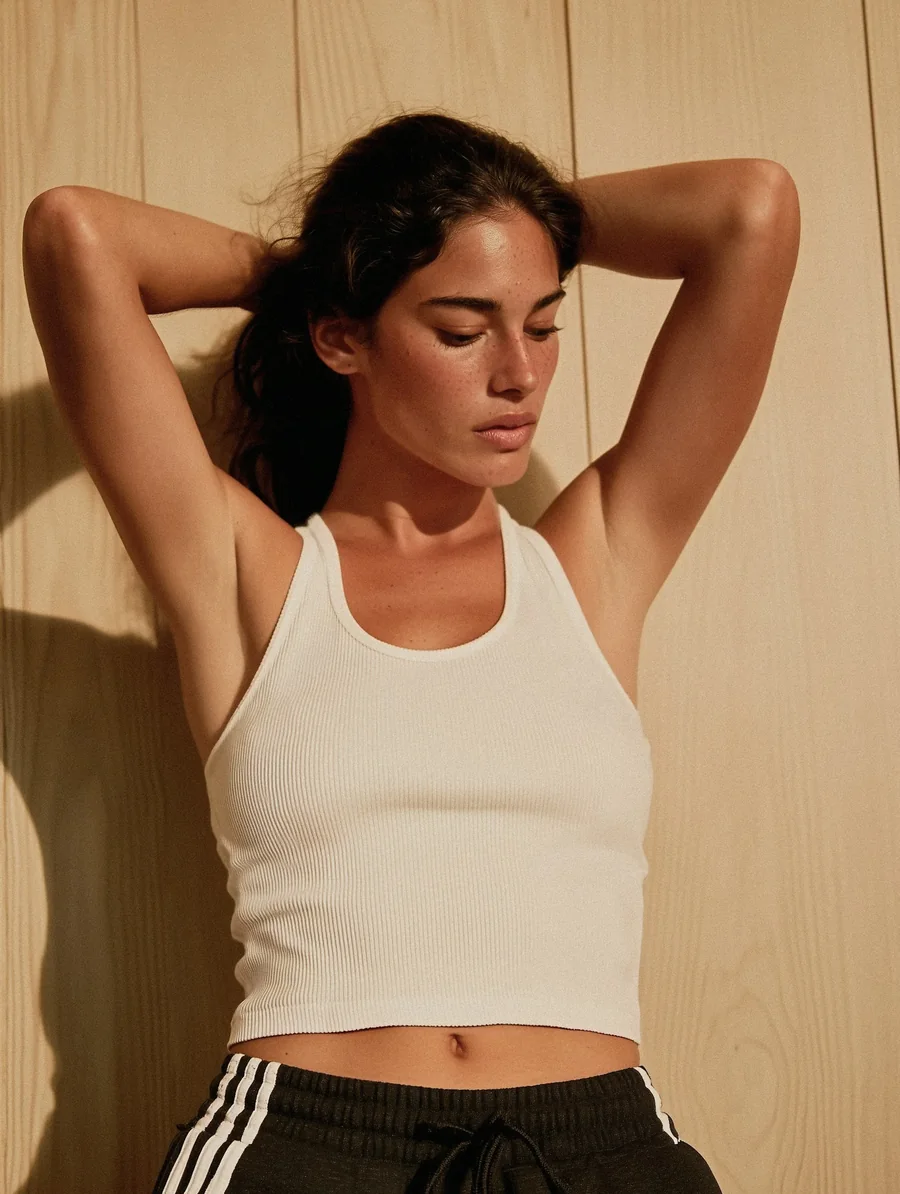

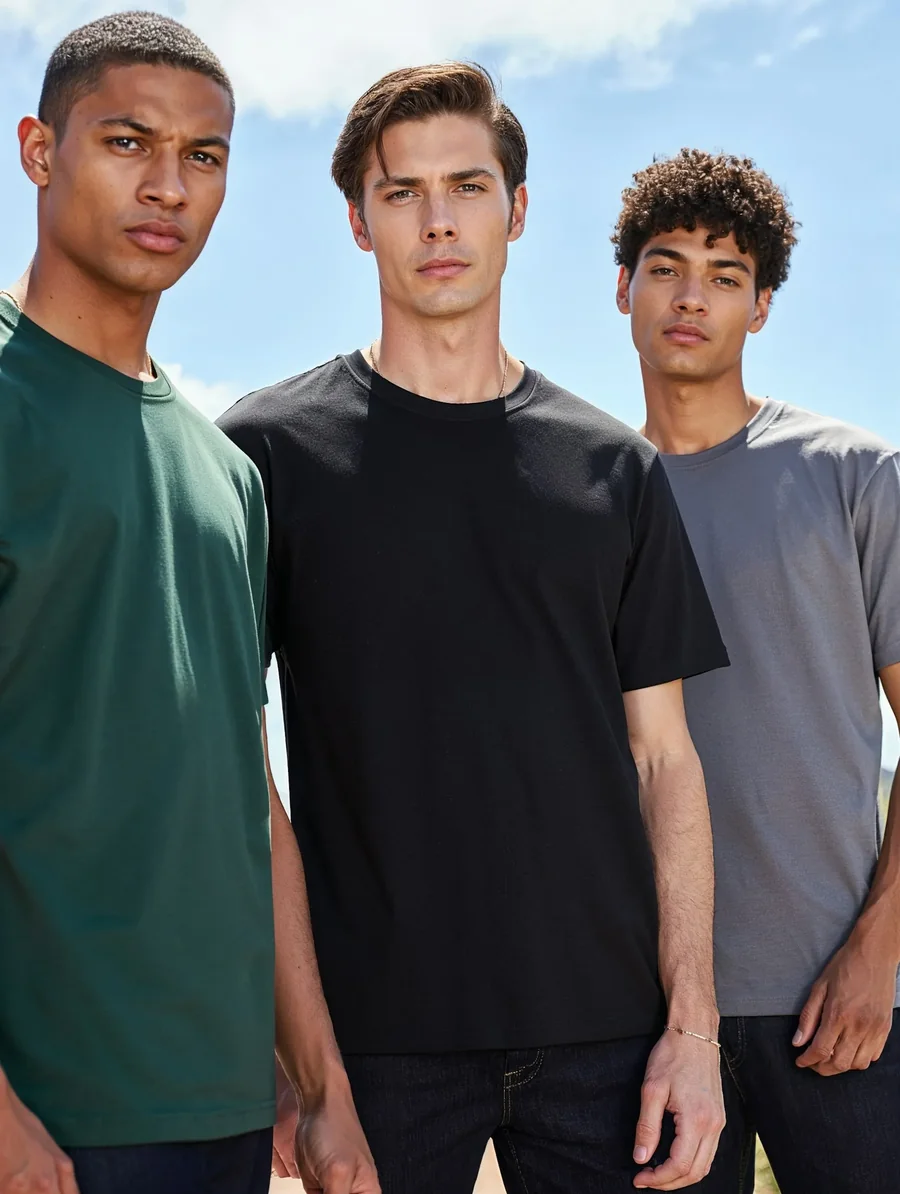
ZenCreator AI Carousel Generator are pre-configured AI workflows for creating multi-slide visual content. They help users turn topics, product ideas, campaign messages, social media concepts, and educational content into carousel-style posts.
Instead of manually designing every slide from scratch, users can start with a content idea, product direction, visual theme, or reference style, then create carousel-ready visuals for social media and marketing.
A good carousel needs a hook, useful slide flow, consistent visual style, and a strong final action. ZenCreator AI helps move rough ideas into structured multi-slide concepts.
Explore social media templatesBrowse carousel-ready visual directions for Instagram posts, LinkedIn education, product campaigns, creator content, and social media planning. Each image is cropped from your uploaded carousel styles screenshot and rebuilt as a modern glassy card section.
A bold leisure carousel concept for nightlife, story posts, and social content hooks.

Moody urban carousel style for creator storytelling and reflective social sequences.
A clean multi-frame concept for editorial carousel sets and visual campaign previews.

Minimal fashion carousel direction for high-contrast brand and creator posts.

Casual creator carousel idea for behind-the-scenes posts and personal content series.

Neon nightlife carousel style for music, fashion, events, and social campaigns.

Premium winter lifestyle carousel concept for travel, fashion, and seasonal campaigns.

Busy street carousel concept for trend content, city stories, and campaign moodboards.

Event-driven carousel style for nightlife recaps, social proof, and creator galleries.

Studio-inspired carousel direction for portraits, beauty posts, and brand visuals.

Creative desk-scene carousel concept for editorial, study, and story-led posts.

Professional fashion carousel style for business, personal branding, and profile content.
Use a short topic, product idea, educational outline, or campaign message to create an Instagram, LinkedIn, product, or creator-focused carousel direction.
5-slide Instagram carousel about morning skincare tips, soft beige design, clean product-style visuals, simple headings
7-slide LinkedIn carousel explaining how small businesses can use AI visuals for product marketing, clean business style, readable headings
6-slide product carousel for a reusable water bottle, feature benefits, lifestyle visuals, clean ecommerce style, final CTA slide
Use the same visual direction, color palette, product reference, and format so each slide feels like one campaign
Use AI carousel generation when you need multi-slide content that is easy to scan, visually consistent, and ready to refine.
Move from an idea to a multi-slide visual direction without designing every slide manually.
Keep a similar style, mood, and layout direction across all frames.
Break complex topics into short, useful slide-by-slide messages.
Use carousel content for Instagram, LinkedIn, Pinterest, Facebook, and other visual platforms.
Generate different angles, visual styles, and slide concepts for testing hooks, offers, or product messages.
Use AI Image Generator, Product Image Generator, AI Templates, Image Upscaler, or AI Video Generator for stronger assets.
Create carousel-style visual sets for social media, product education, marketing campaigns, and creator content.
Turn a topic, idea, outline, or campaign message into a structured visual carousel direction.
Create slides that share a consistent mood, visual direction, spacing, and brand feel.
Use carousel generators for Instagram-friendly slide ideas, post sequences, product stories, and creator content.
Create educational, professional, or business-focused carousel ideas for LinkedIn-style content.
Create carousel concepts that explain product features, benefits, use cases, comparisons, or launch messages.
Start with a carousel goal, add your topic or content direction, choose a style, generate options, review the slide flow, and refine the best version.
Pick Instagram carousel, LinkedIn carousel, product feature carousel, educational post, brand story, launch announcement, social guide, or campaign concept.
Start with a short idea, rough outline, product details, campaign angle, or reference style.
Pick a clean Instagram post, professional LinkedIn carousel, ecommerce product style, creator story, bold campaign design, or minimal educational layout.
Create a multi-slide concept with a consistent style across frames.
Check whether the carousel has a clear hook, logical sequence, readable slide ideas, and useful final action.
Refine the best version, use related image tools, upscale visuals, or turn the content into a short video or campaign asset.
It is especially useful when you need carousel content that is easy to scan, visually consistent, and ready to refine for a real campaign or publishing workflow.
This page is focused on content that needs a sequence, not just one visual.
Create carousel directions that keep consistent style across multiple slides.
Support visual social creators and business-focused creators who need educational or professional carousel content.
Carousel content can connect with AI Image Generator, Product Image Generator, AI Templates, Product Photo Prompts, AI Video Generator, and Image Upscaler.
Start with an idea, topic, outline, or campaign direction instead of manually building every slide.
Clear access to pricing, commercial use guidance, responsible AI standards, privacy, terms, and help resources supports safer publishing.
ZenCreator AI may offer starter access, previews, trials, or credit-based usage depending on the current pricing setup. Do not claim the carousel generator is free or watermark-free unless the live product clearly supports that.
View Pricing and CreditsThe strongest carousels use one clear topic, a strong hook, short slide copy, consistent visuals, and a clear final action.
A strong carousel should focus on one idea. Avoid trying to explain too much in one post.
The first slide should make people want to keep reading. Example: 5 product photo mistakes hurting your ecommerce page.
Use short headings, simple points, and enough visual space. Avoid long paragraphs inside each slide.
A simple structure is: hook, problem, key idea, example, tips, CTA or next step.
Use 1:1 for square posts, 4:5 for Instagram feed carousels, 9:16 for stories, and PDF-style vertical format for LinkedIn if supported.
Use the same visual style, color direction, and spacing across all slides.
End with a clear action such as save this post, try the tool, read the guide, or start creating.
Check accuracy, spelling, slide order, visual consistency, and platform formatting before posting.
Create Instagram carousels, LinkedIn-style educational posts, product slide sets, campaign visuals, and social content ideas from one AI creative studio. Start with a topic, product idea, or campaign message and turn it into a multi-slide visual direction.