Best for quick starts
Use a short prompt when you want fast ideas and visual exploration.
Minimal skincare product photo, soft studio light, clean background, premium brand style
Create AI images online from prompts, ideas, styles, or reference direction. ZenCreator AI helps you generate polished visuals for social media, product content, thumbnails, avatars, brand campaigns, and creative concepts from one simple studio.
Use it when you need a fast visual draft, a fresh creative direction, a realistic image concept, or a publish-ready asset to refine inside your workflow.
Premium ecommerce visual, soft studio light, clean background, social-ready format
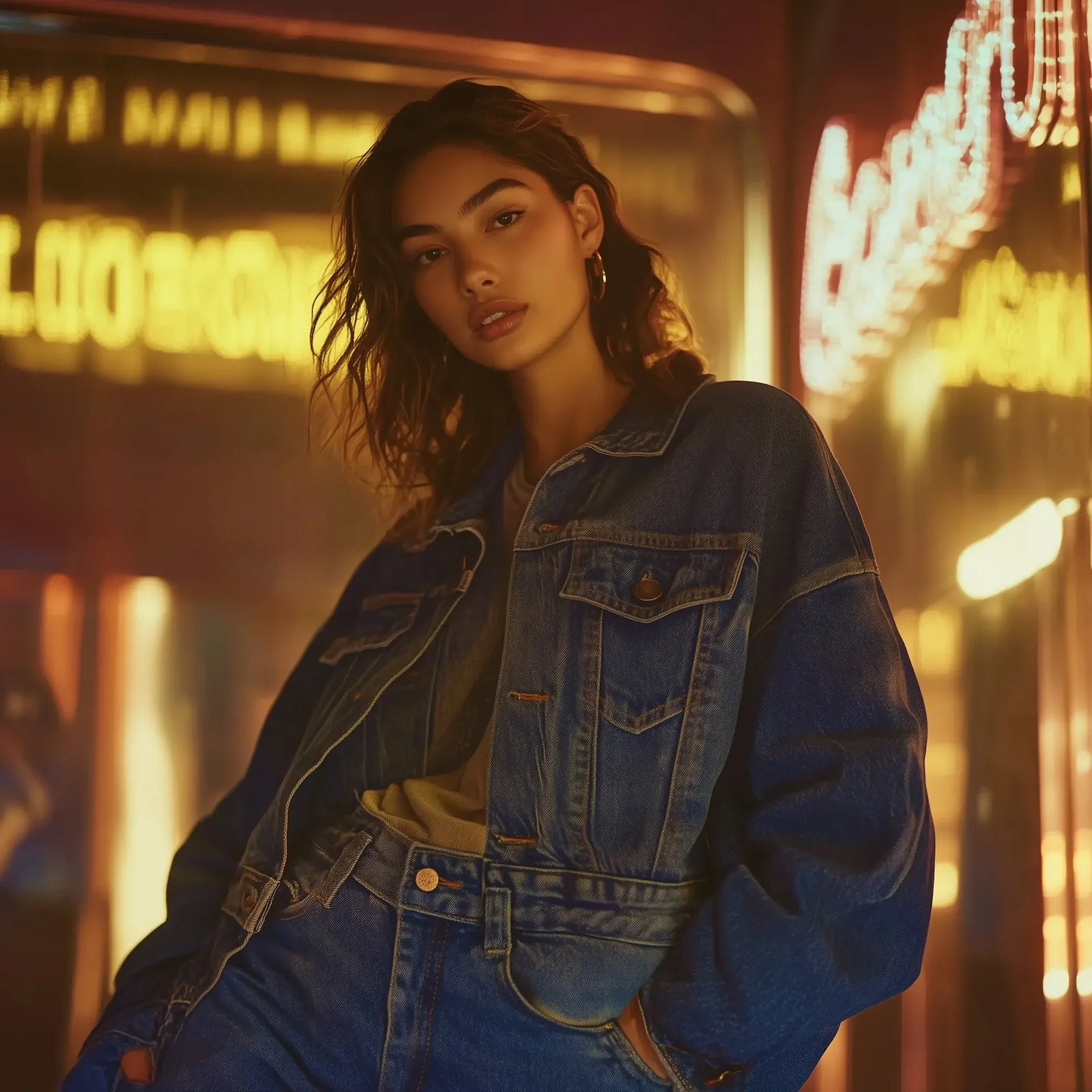
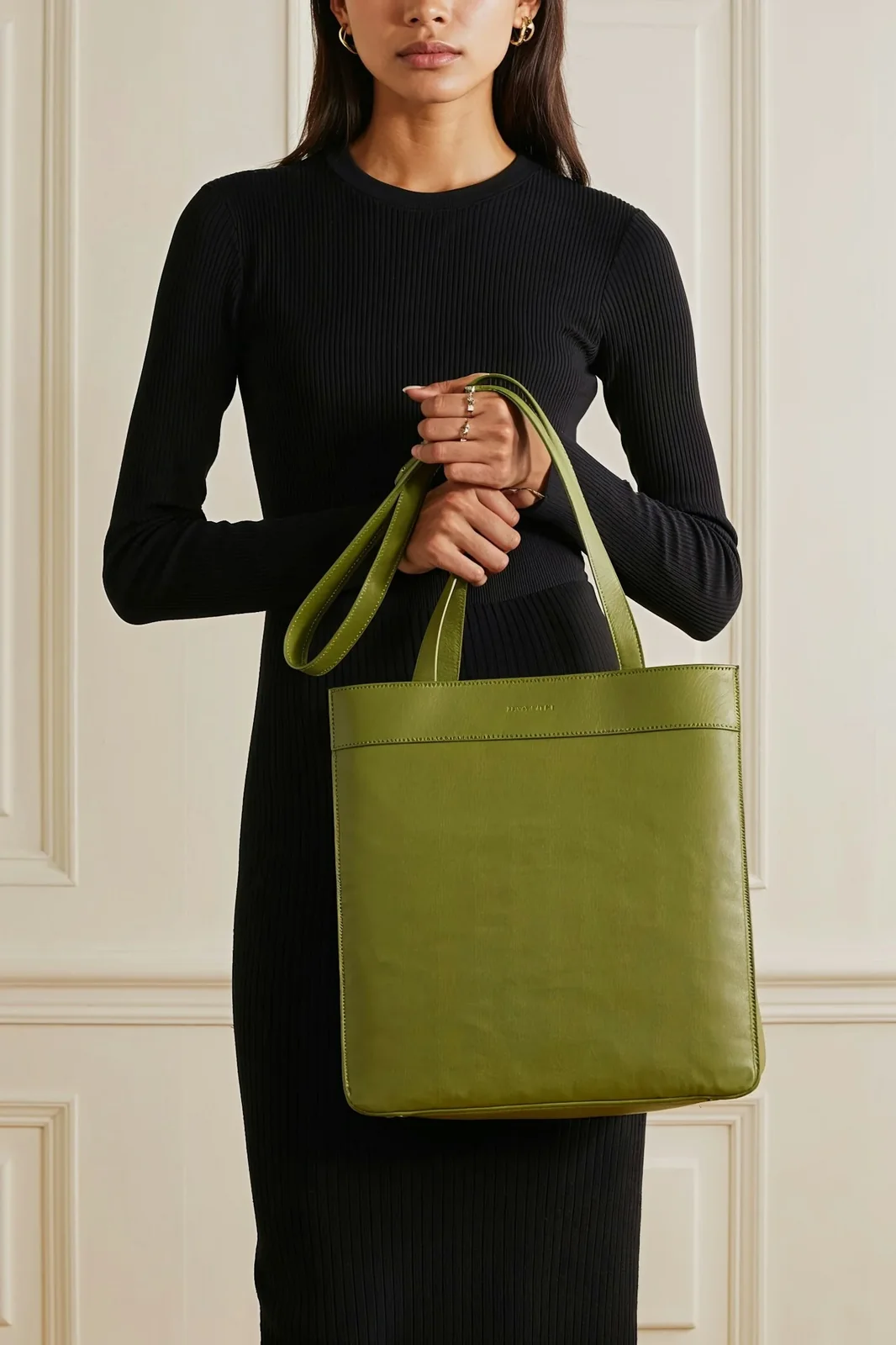
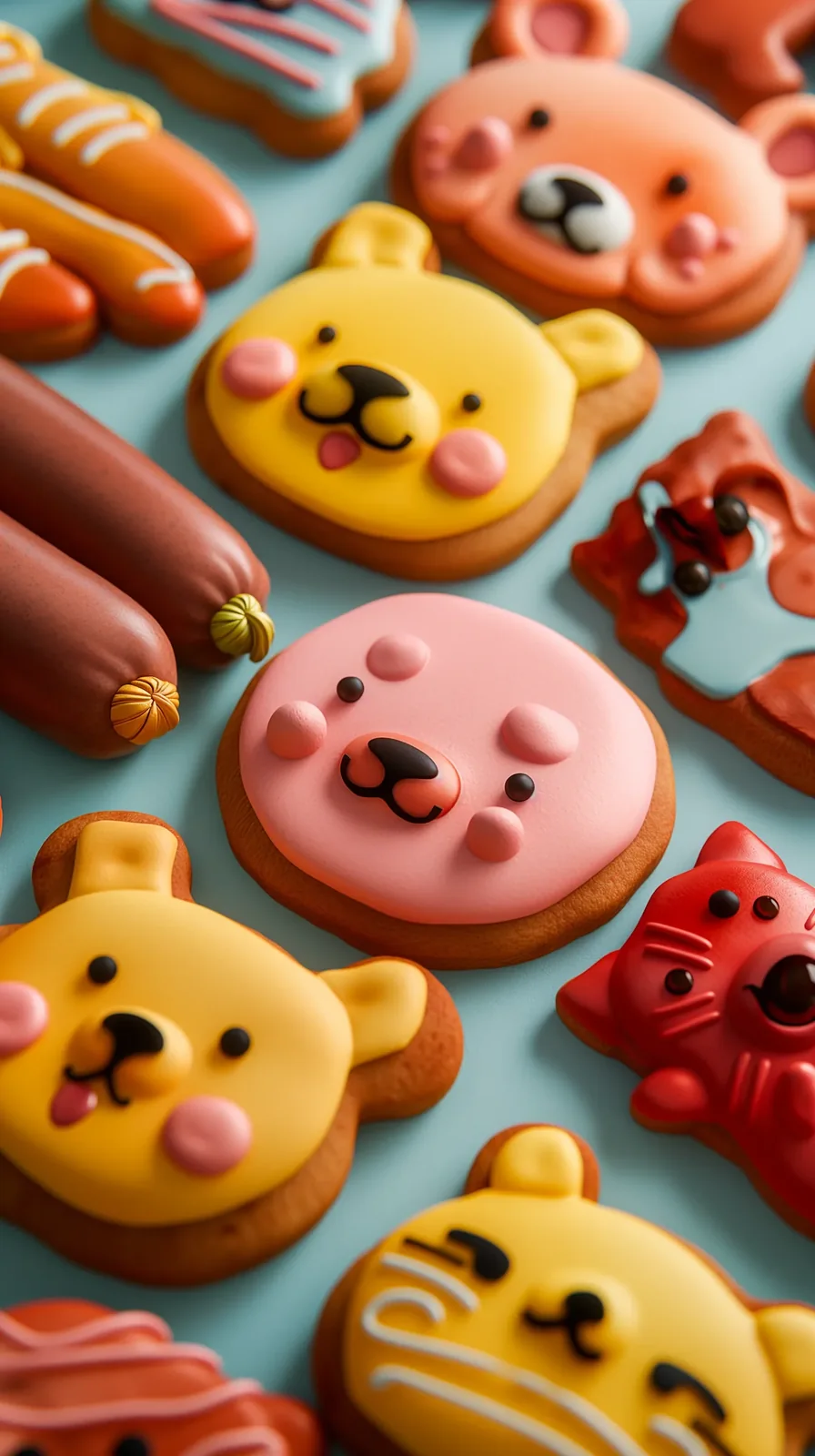
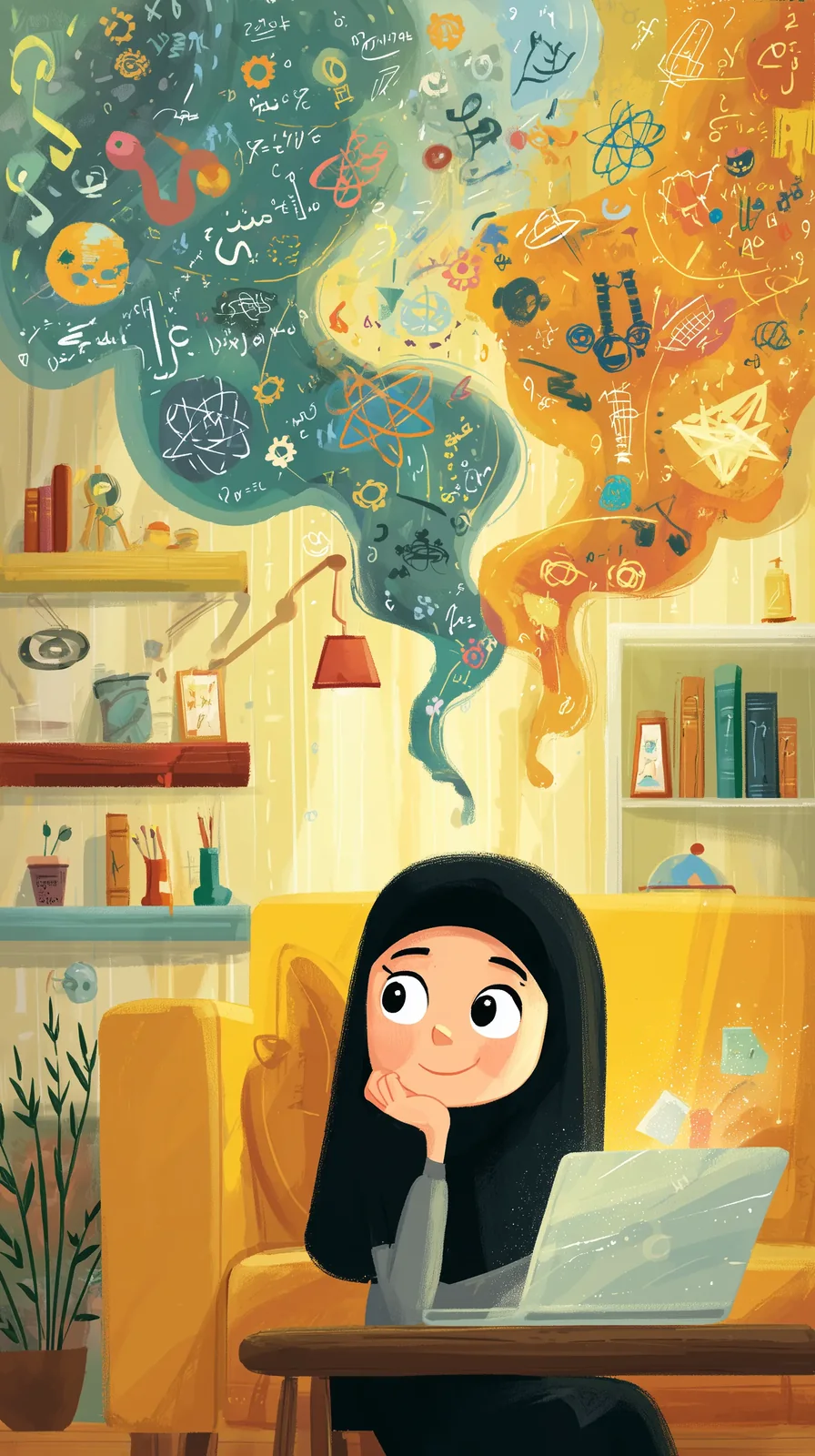
The ZenCreator AI image generator is an online tool that turns written prompts into visual outputs. You describe the image you want, choose a model or style direction, adjust your settings, and generate images you can save, refine, upscale, or use in a larger creative workflow.
It is built for people who need useful visuals quickly, not only for users who already know advanced prompt engineering.
modern product photo on clean background
Better prompt directionMinimal skincare product photo, soft studio light, clean background, premium brand style
A good AI image generator should not force you to start perfectly. ZenCreator AI supports a prompt-first workflow, Magic Prompt-style expansion, and reference-based creative direction when you want a more consistent style or image series.
Use a short prompt when you want fast ideas and visual exploration.
Minimal skincare product photo, soft studio light, clean background, premium brand style
Add subject, setting, lighting, angle, mood, style, and final format when you need a more exact result.
White ceramic coffee mug, warm table, soft morning light, shallow depth of field, vertical 4:5
Use seed locking, reference direction, or consistency tools when you want a stable visual identity across multiple outputs.
See image tools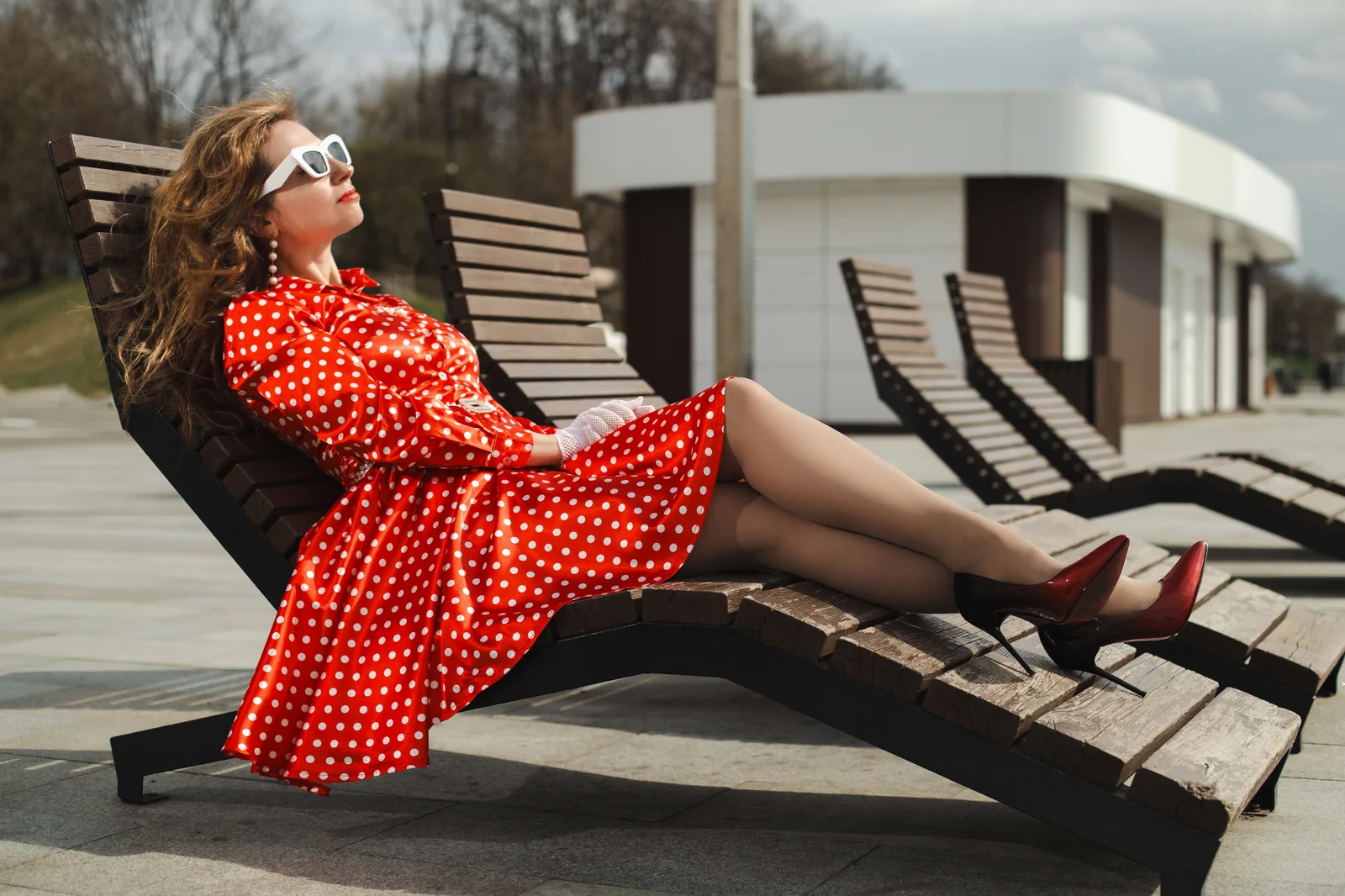

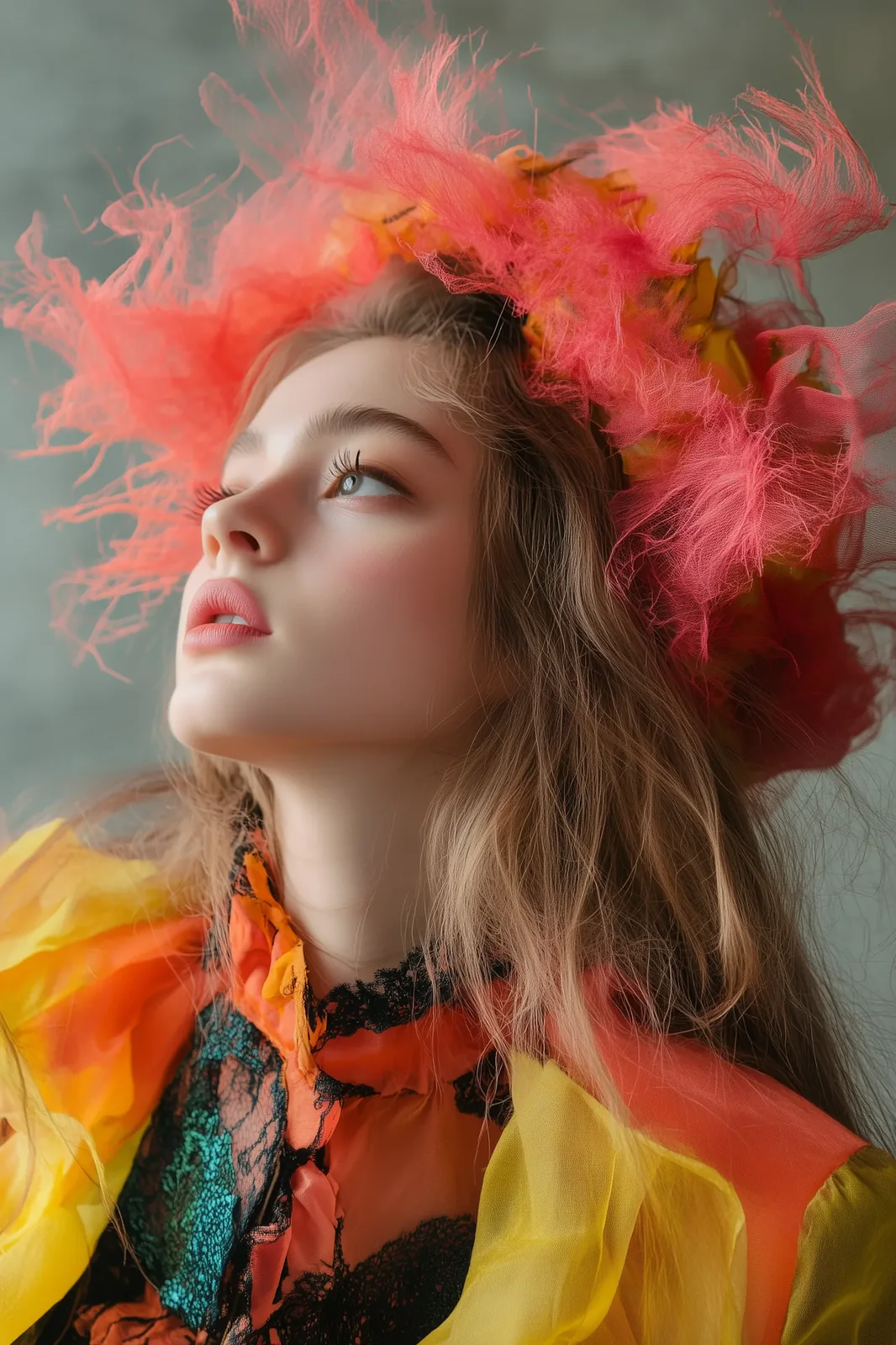
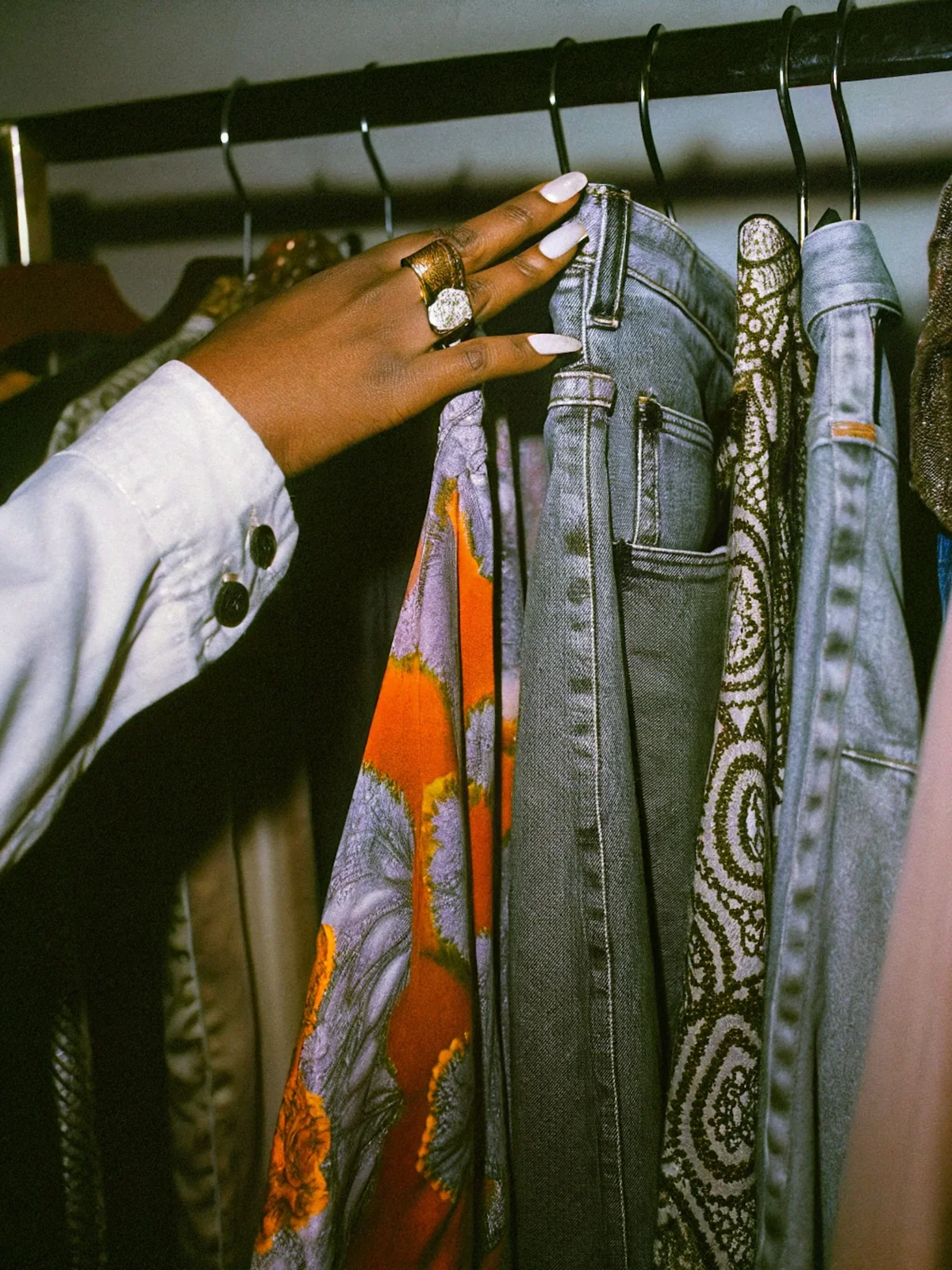
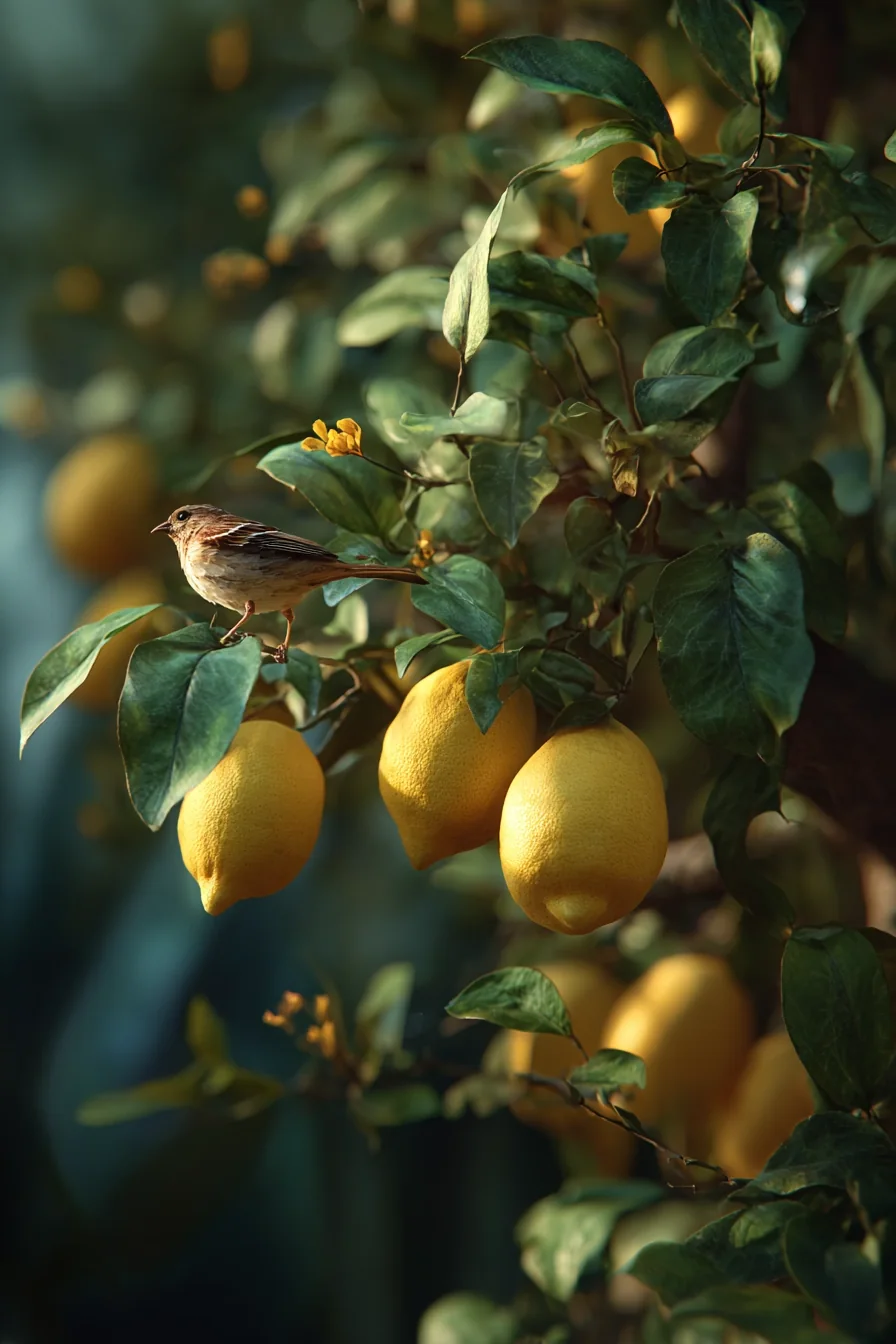
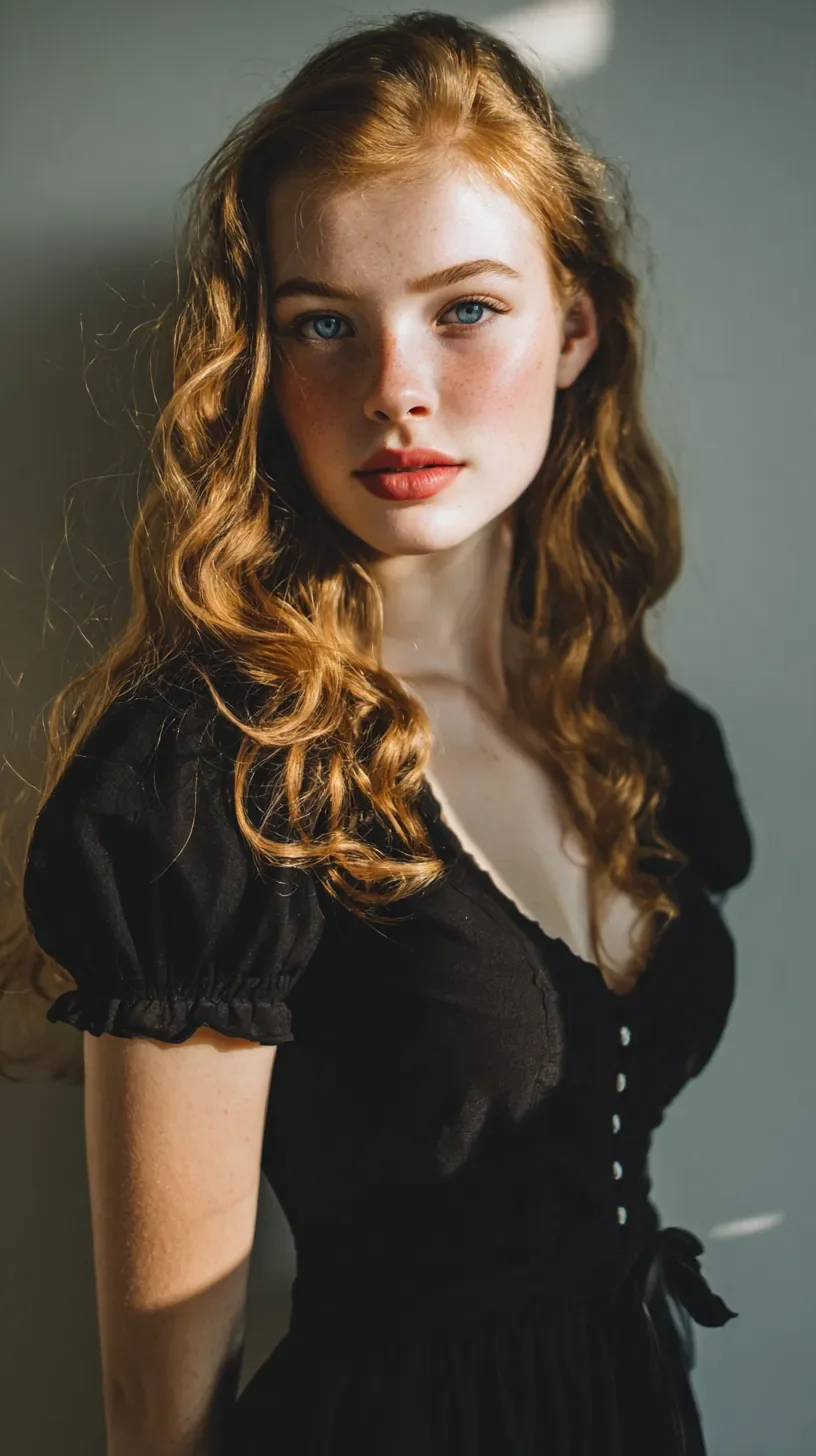
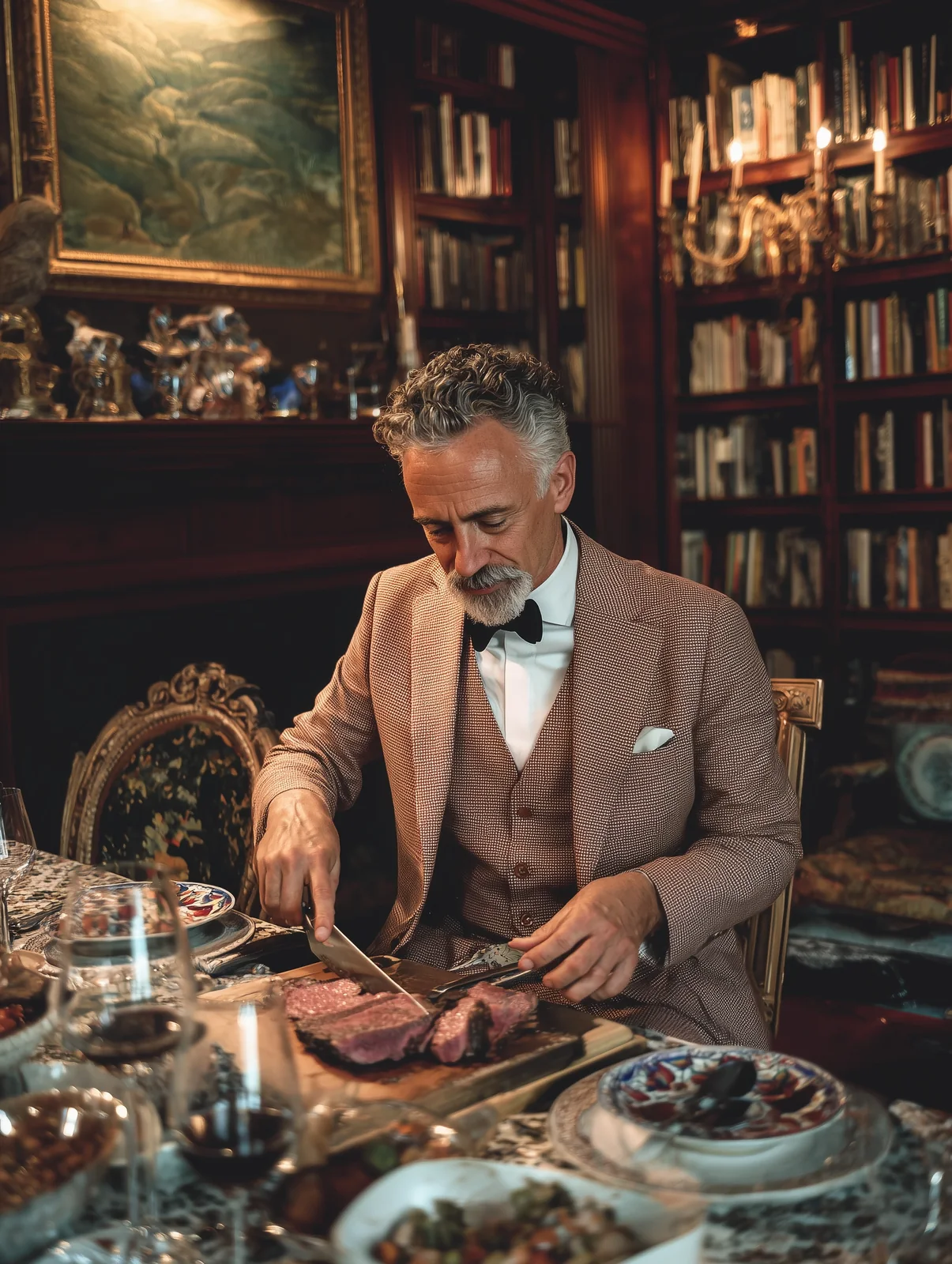
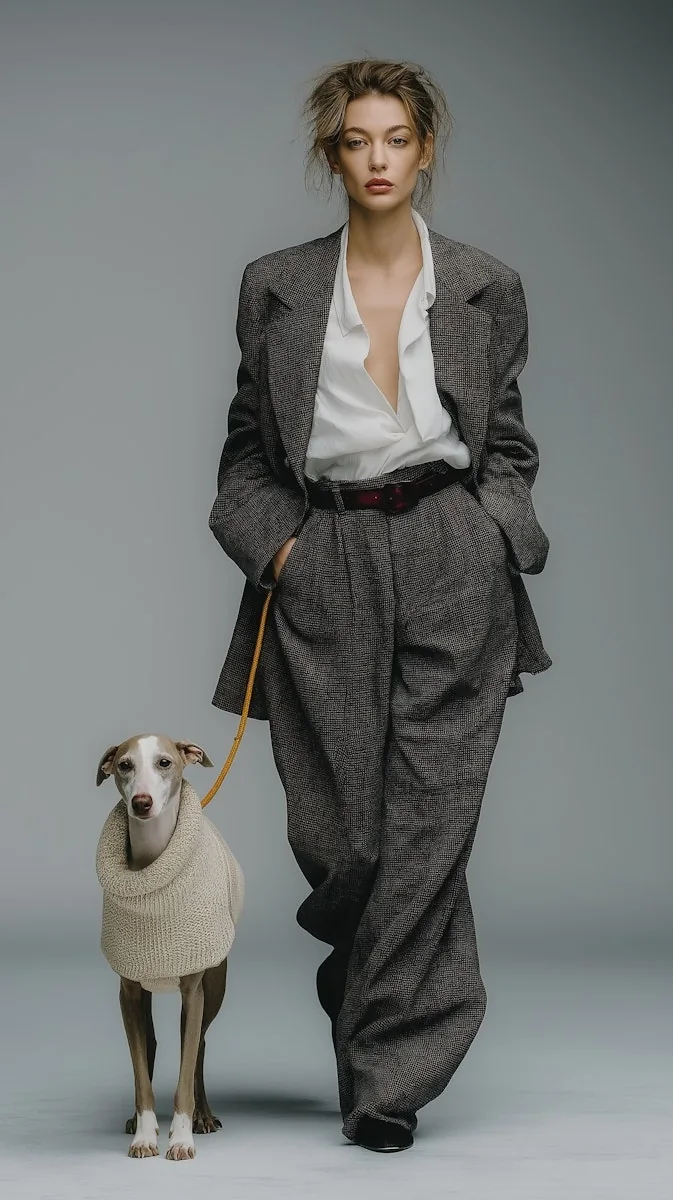
Move from idea to image without waiting for a full design or photo process. Use ZenCreator AI for social media planning, campaign concepts, ecommerce mockups, and content testing.
Move from idea to image without waiting for a full design or photo process.
Use short ideas, guided wording, or Magic Prompt-style expansion to improve your result.
Generate realistic photos, stylized creative images, product concepts, portraits, brand visuals, and campaign-ready directions.
Generate several variations to compare, refine, and select from before publishing.
Move toward upscaling, image editing, image-to-video, product visuals, or AI video generation after image creation.
Built for creators, marketers, ecommerce sellers, agencies, small businesses, designers, educators, and social media managers.
Generate, compare, refine, upscale, and continue into related tools without treating image generation as a dead-end step.
Write what you want to create and generate visual options from your text prompt.
Expand short ideas into stronger, more descriptive prompts without writing technical prompts from scratch.
Use cinematic or photo-style model directions depending on the result you want.
Generate multiple versions, compare outputs, adjust your prompt, and refine your direction.
Use consistency options when you want a more stable look across a set of images.
Guide the output with a reference image, style, pose, composition, or brand direction when allowed.
Improve clarity, size, and presentation quality before publishing.
Move into Video Generator, Image-to-Video, Editor, Photo Shoot, Image-to-Image, Upscaler, Carousel, and related workflows.
Choose the model and tool path based on the output you want. Keep this section updated if model availability changes in the live product.
Use Flux when you want cinematic lighting, stronger atmosphere, realistic textures, and dramatic visual depth.
Use SDXL when you want a natural photo style, softer realism, and polished image outputs.
Add context such as lighting, style, composition, camera direction, mood, and environment.
Use reference direction, fixed seed, or consistency workflows when you want similar visual identity.
Improve clarity, size, and sharpness after choosing your best output.
Start with a creative goal, choose a model direction, write a prompt, generate options, refine the best image, and export it for your project.
Start Creating with ZenCreator AISocial media visual, product image, avatar, thumbnail, brand asset, concept art, website graphic, or ad creative.
Use Flux for cinematic creative depth or SDXL for polished photo-style outputs.
Add the subject, setting, style, lighting, angle, mood, and output format.
Create multiple variations and compare the results.
Adjust your prompt, lock consistency where needed, upscale the best version, or continue editing.
Use the final image for social content, ecommerce, websites, presentations, campaigns, or creative direction.
Create practical visuals for social media, ecommerce, marketing, branding, education, and client concept work.
Create visuals for Instagram, TikTok covers, YouTube thumbnails, LinkedIn posts, Pinterest pins, and campaign graphics.
Create product scenes, lifestyle visuals, ad image concepts, and store-ready creative directions before planning a full shoot.
Generate fast ad concepts, hero images, landing page visuals, promotional graphics, and campaign moodboards.
Create consistent visual ideas for brand campaigns, website sections, social banners, and product launches.
Generate thumbnail ideas, character concepts, scene visuals, profile visuals, and content-supporting graphics.
Create useful visuals for promotions, local service pages, product updates, and seasonal campaigns.
Create fast client concept drafts, creative variations, and visual directions before final production.
Create simple explainer visuals, training images, concept graphics, and course-supporting images.
ZenCreator AI is especially helpful when you need a fast image concept, multiple creative options, or a visual starting point for a larger project.
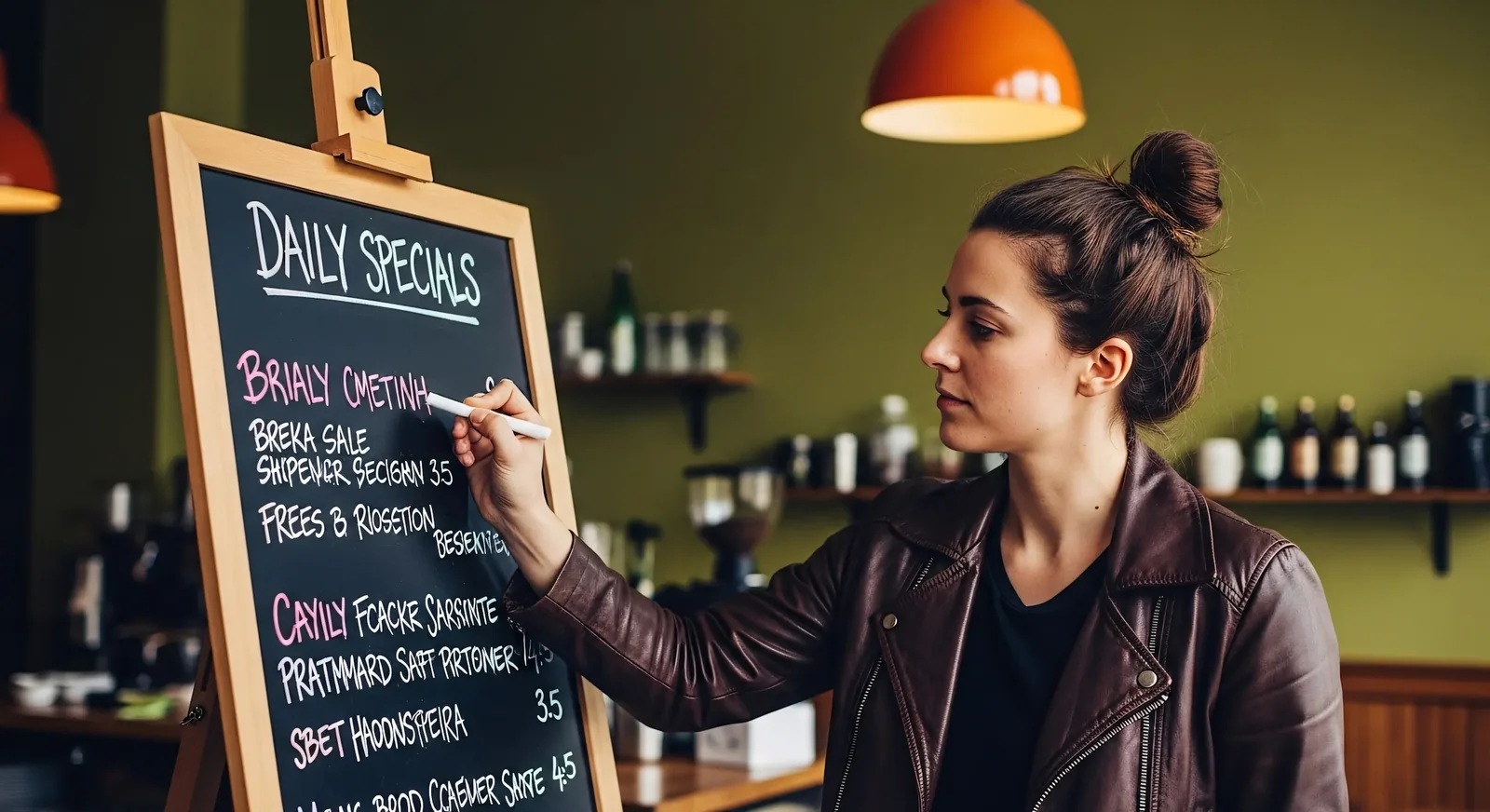
ZenCreator AI is not only a single image tool. The wider platform connects image generation with video generation, image-to-video, editing, upscaling, templates, and learning resources.
Connect image generation with video, editing, upscaling, templates, and learning.
Magic Prompt and guided workflows help users start with simple ideas and improve them.
Focus on social visuals, ecommerce images, brand graphics, campaign concepts, thumbnails, avatars, and website visuals.
Link users to AI University and prompt guides so they can improve results over time.
Pricing, commercial use guidance, responsible AI, privacy, help, and contact links stay easy to find.
The page speaks to creators, marketers, ecommerce sellers, agencies, and small businesses.
Some users search for AI image generator for free or AI image generator free online because they want to test the tool before paying. ZenCreator AI may offer starting access, trials, previews, or credit-based usage depending on the current pricing setup. Check the pricing page for the latest credit packages, available starter options, and usage rules.
Do not claim “free” unless the live product truly supports a free plan or free credits.
Instead of “Product photo,” write: “Minimal product photo of a matte black water bottle on a stone surface, soft studio lighting.”
Mention Instagram post, ecommerce product image, website hero visual, YouTube thumbnail, ad creative, or blog header.
Use clean studio lighting, cinematic lighting, soft morning light, realistic photo style, editorial fashion style, or bright ecommerce background.
Use 1:1 for square posts, 4:5 for Instagram feed, 9:16 for vertical social content, and 16:9 for website or video thumbnails.
Create several outputs, compare them, then refine your prompt before choosing the final image.
Only upload images you own or have permission to use, especially for people, brands, client assets, or copyrighted visuals.
If the image will be used on a website, product page, ad, or professional social post, upscale or refine it first.
Use this quick comparison to understand why a connected creative workflow is more useful than a single isolated generator.
| Need | Basic AI Image Tool | ZenCreator AI Image Generator |
|---|---|---|
| Prompt support | Manual prompt writing | Magic Prompt-style prompt improvement |
| Model choice | Often limited | Flux and SDXL options shown on product page |
| Multiple image options | Varies by tool | Generate variations to compare, refine, and select |
| Consistency | Often difficult | Fixed seed and reference consistency direction |
| Editing workflow | Usually separate | Connected to upscaling, editing, and other creative tools |
| Creator use cases | Generic | Built for creators, marketers, ecommerce, and business workflows |
| Learning support | External search needed | AI University and prompt guides support the workflow |
Clear answers before users start creating, uploading references, or using generated images in business projects.
Create AI images online for social media, ecommerce, brand visuals, avatars, thumbnails, websites, and creative projects. Start with a prompt, choose your model, generate image options, and refine your best result inside the ZenCreator AI creative workflow.