
0 40
Face Generator
South American, 66-75 - 1:1 - 4K
Original mature face concept with warm portrait lighting for persona and mockup work.
Create realistic or stylized AI faces online with ZenCreator AI. Generate original face concepts for avatars, fictional characters, profile-style visuals, design mockups, social content, brand ideas, and creative projects.
Use ZenCreator AI Face Generator when you need a fast way to create new face concepts without searching for stock photos, arranging a photoshoot, or using a real person’s likeness.
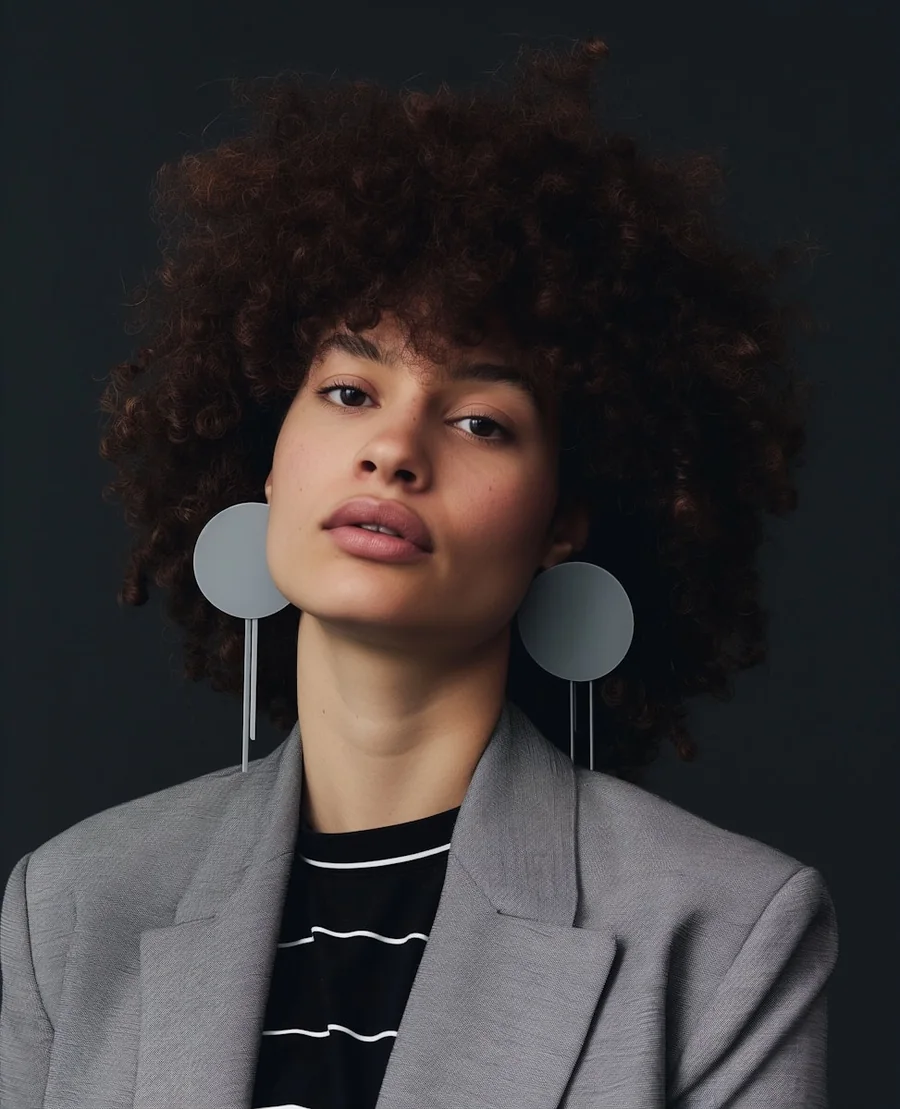
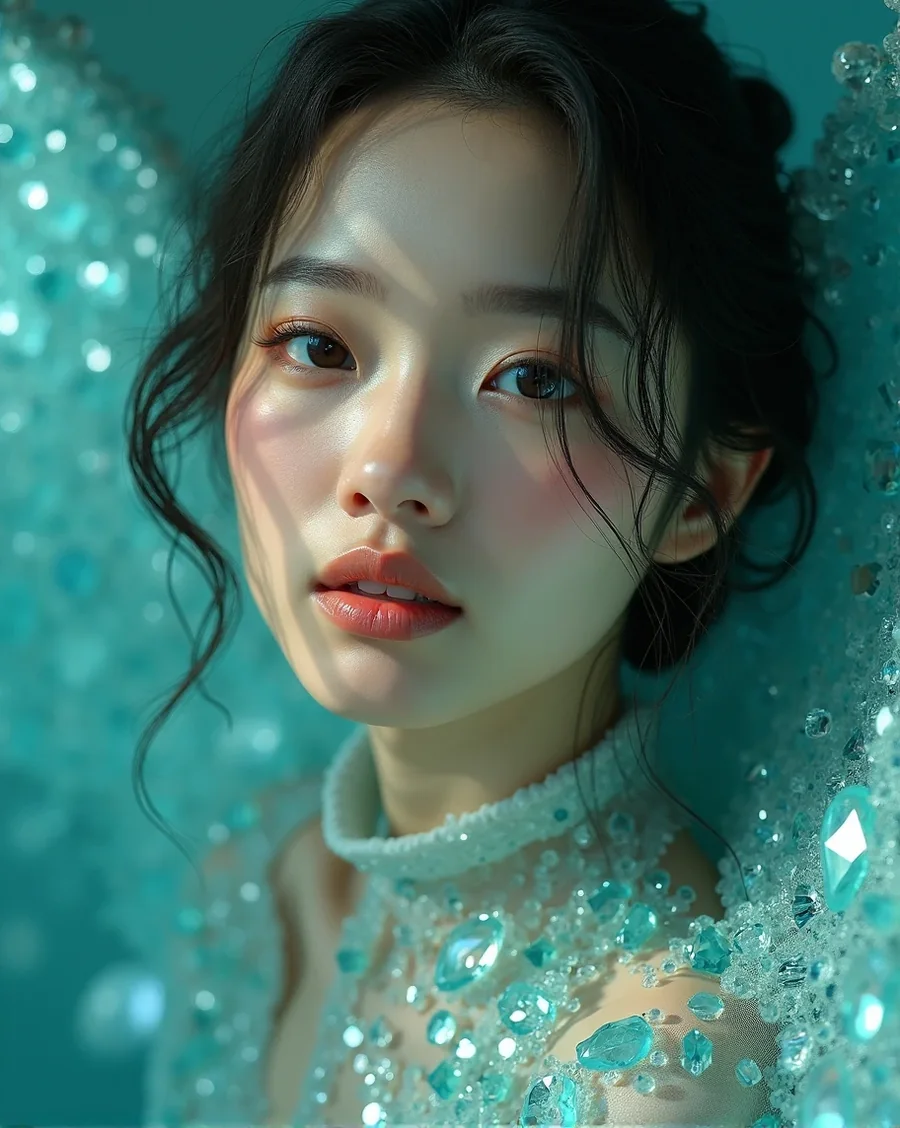
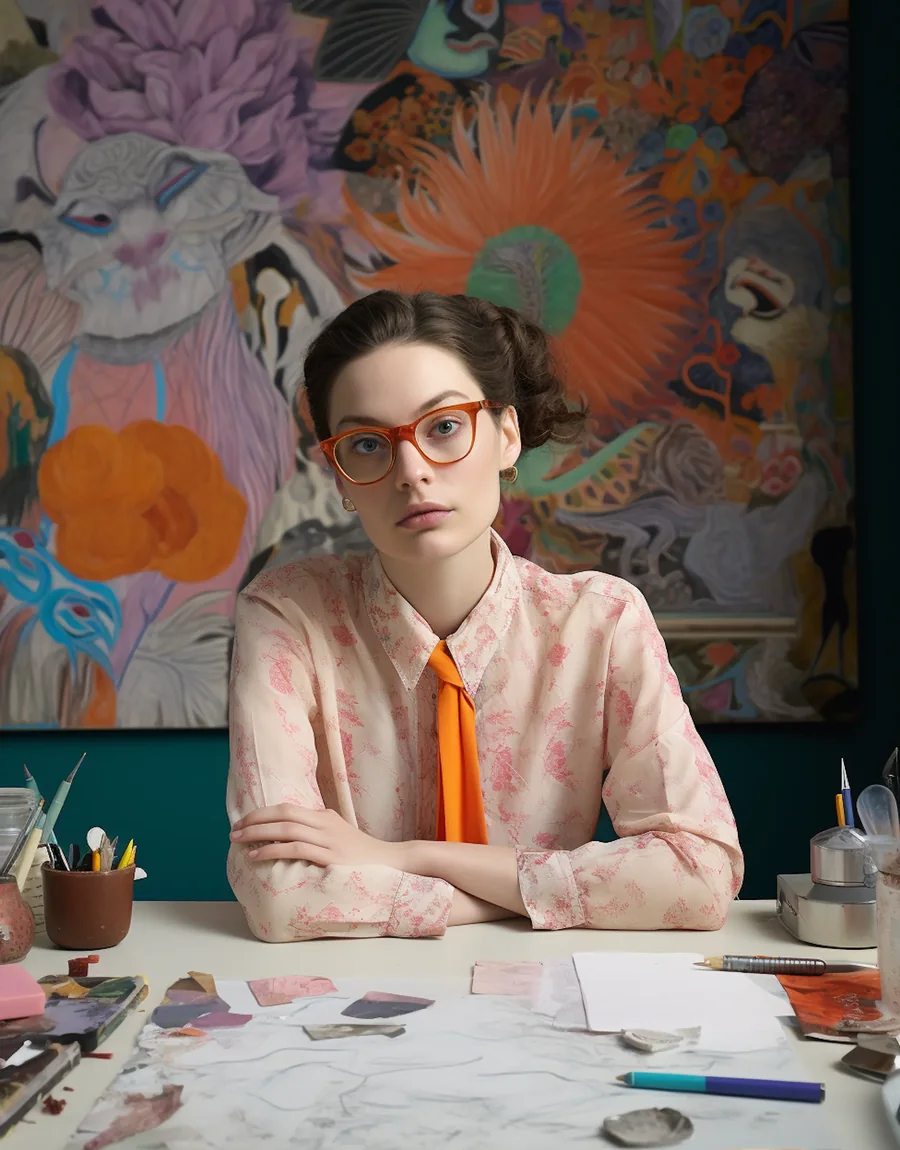
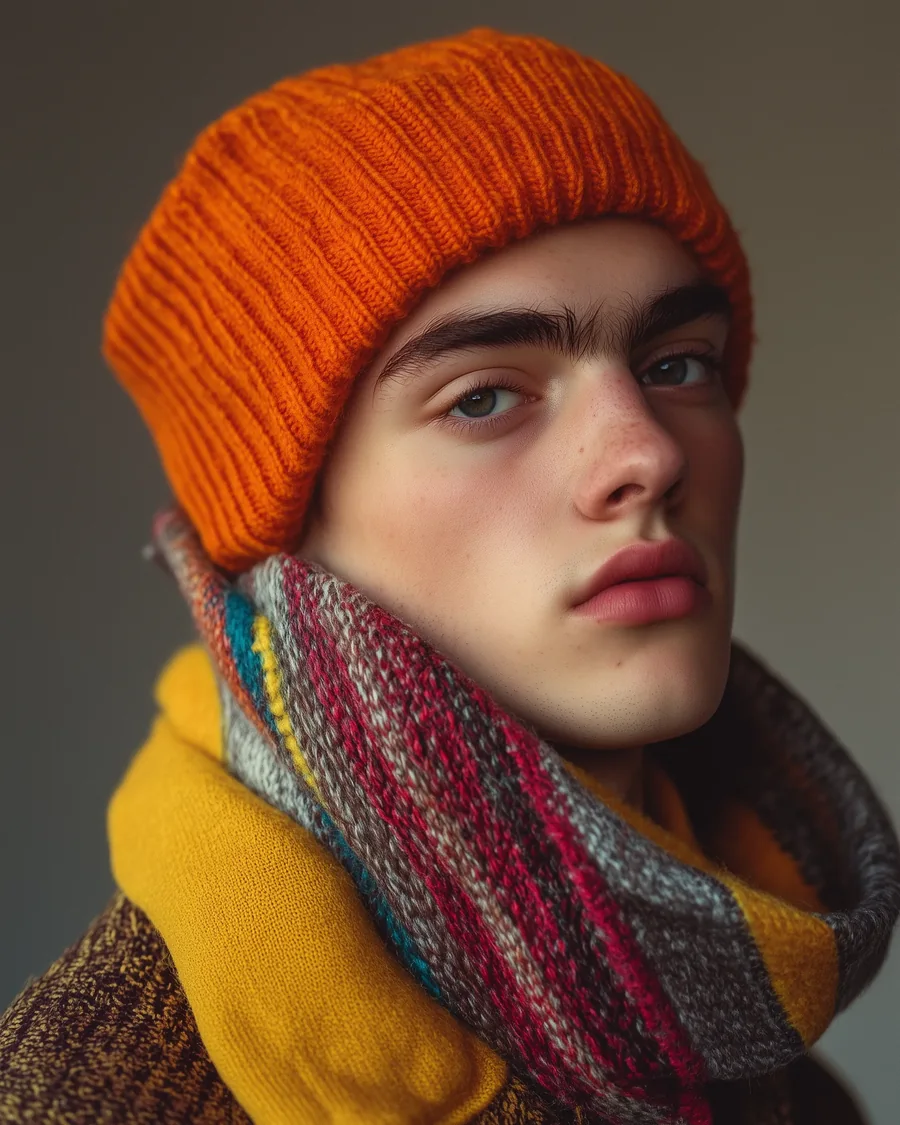
ZenCreator AI Face Generator are online AI tools that help users create original face concepts for creative and visual projects. This page focuses on new synthetic faces, not copying or impersonating real people.
Use face generation when you need fictional character faces, avatar concepts, profile-style visuals, design mockups, brand persona ideas, social media concepts, storyboards, presentation visuals, education assets, app mockups, or moodboards.
A face generator is useful when you need a unique face concept but do not want to rely on stock photography or real-person references.
Turn a face into lip sync nextReview original face-generation directions for avatars, fictional characters, persona visuals, app mockups, and creative concepts. This section uses the uploaded face-generator screenshot as the image source and presents it as glassy cards.
Original mature face concept with warm portrait lighting for persona and mockup work.

Clean modern face concept for profile-style visuals, avatars, and design presentations.

Friendly brand-persona face concept for campaign planning and creative mockups.

Polished synthetic face idea for avatar concepts, social visuals, and creator mockups.

High-detail fictional face direction for character concepts and editorial visuals.

Fashion-forward face concept for avatars, profile visuals, and design exploration.

Professional synthetic portrait idea for brand persona, UI mockups, and presentations.

Clean generated face style for fictional characters, creative concepts, and visual testing.
Instead of searching image libraries, create a new visual direction that fits the style, mood, and purpose of your project. Use synthetic faces responsibly for creative, educational, design, or business workflows.
Original fictional character face, friendly expression, clean portrait lighting, modern digital avatar style
Original avatar face concept, soft studio lighting, clean background, modern profile image style
Original brand persona portrait, confident expression, polished business style, neutral background
Synthetic face concept for a website profile card, clean UI presentation, friendly expression
Use AI face generation when a project needs avatar ideas, fictional characters, persona visuals, or placeholder profile concepts without using a real person’s photo.
Generate new face visuals without arranging a shoot, searching stock images, or using a real person’s likeness.
Use AI-generated face concepts for mockups, storyboards, social content, avatars, app designs, and brand planning.
Create fictional faces for content concepts, education projects, design exploration, and creative storytelling.
Create quick face concepts when a project needs placeholder portraits, persona visuals, or early creative directions.
Refine, upscale, turn into a photoshoot-style image, animate with image-to-video, or use it in lip sync workflows.
A synthetic face workflow can reduce the need to use real-person images when a project only needs a representative visual.
Generate new AI face concepts for creative projects, avatar ideas, fictional personas, and visual mockups.
Guide the output with age range, visual style, mood, expression, lighting, and portrait direction.
Create portrait-style visuals for mockups, drafts, persona cards, social concepts, or design presentations.
Start from different face-generation directions for different creative needs.
Continue with AI Image Generator, AI Photoshoot Generators, AI Headshot Generator, Image to Video AI, and AI Lip Sync Generator.
Do not use AI face tools to impersonate, mislead, or create content that violates another person’s rights.
Choose a face direction, add optional details, generate options, refine the best concept, and use it responsibly in your creative workflow.
Pick the type of face concept you need: fictional character, avatar, profile-style image, brand persona, mockup face, training visual, campaign concept, or moodboard.
Choose a style such as realistic portrait, studio lighting, illustrated avatar, editorial look, clean business style, or social profile style.
Add age range, expression, lighting, background, mood, image format, character style, or brand direction.
Create several face concepts and compare which one best fits your project.
Use connected tools to improve clarity, adjust style, upscale the image, or prepare it for a larger workflow.
Use the result for creative, educational, design, or business workflows while following commercial-use, privacy, and responsible AI guidance.
It is especially useful when you need original face concepts, avatar ideas, persona images, or fictional character visuals without using a real person’s photo.
Focus on generating new synthetic faces instead of copying real identities.
ZenCreator AI connects face generation with image generation, photoshoot generators, headshot workflows, upscaling, image-to-video, and lip sync tools.
Users can begin face-based creative work from several generator-style directions.
Supports workflows for creators, small businesses, agencies, educators, designers, and product teams.
Links to commercial use, responsible AI, privacy, terms, pricing, and help pages support safer face-based publishing.
Synthetic face generation can be more controlled when a project only needs a fictional or representative image.
ZenCreator AI may offer starter access, previews, trials, or credit-based usage depending on the current pricing setup. Do not claim the face generator is free unless the live product clearly offers free credits or a free plan.
View Pricing and CreditsA strong face concept starts with a clear purpose, focused style direction, useful format, and responsible use rules.
Decide whether the face is for an avatar, character, mockup, presentation, social concept, or campaign idea.
Add words like realistic portrait, clean studio lighting, friendly avatar style, editorial portrait, or business profile look.
Avoid too many conflicting details. A clean prompt usually performs better than a long, unfocused one.
Use 1:1 for avatars, 4:5 for feed posts, 9:16 for vertical content, and 16:9 for websites or presentations.
Compare expression, lighting, realism, brand fit, and usefulness before choosing the best output.
Upscale or refine the selected result before using it in a website, presentation, marketing concept, or social asset.
Do not use AI face tools to impersonate real people, mislead users, or violate identity, privacy, or likeness rights.
Review Commercial Use and Terms before using AI-generated face content for client, business, or public-facing work.
Create original AI face concepts for avatars, fictional characters, profile-style visuals, product mockups, education materials, and creative campaigns. Start with a face generator, choose a visual direction, and continue your work inside the ZenCreator AI creative studio.