Best for quick product concepts
Use a simple prompt when you need fast ideas for listing images or social visuals.
Minimal skincare product photo on a clean beige background, soft studio lighting, premium brand style
Create product images online with ZenCreator AI. Turn product ideas, reference photos, prompts, and creative directions into ecommerce visuals, lifestyle scenes, ad creatives, social content, and brand-ready product concepts.
Use the AI Product Image Generator when you need better product visuals faster, without planning a full photoshoot for every new campaign, listing, or social post.
Premium leather bag, warm neutral background, clean ecommerce lighting, social ad format
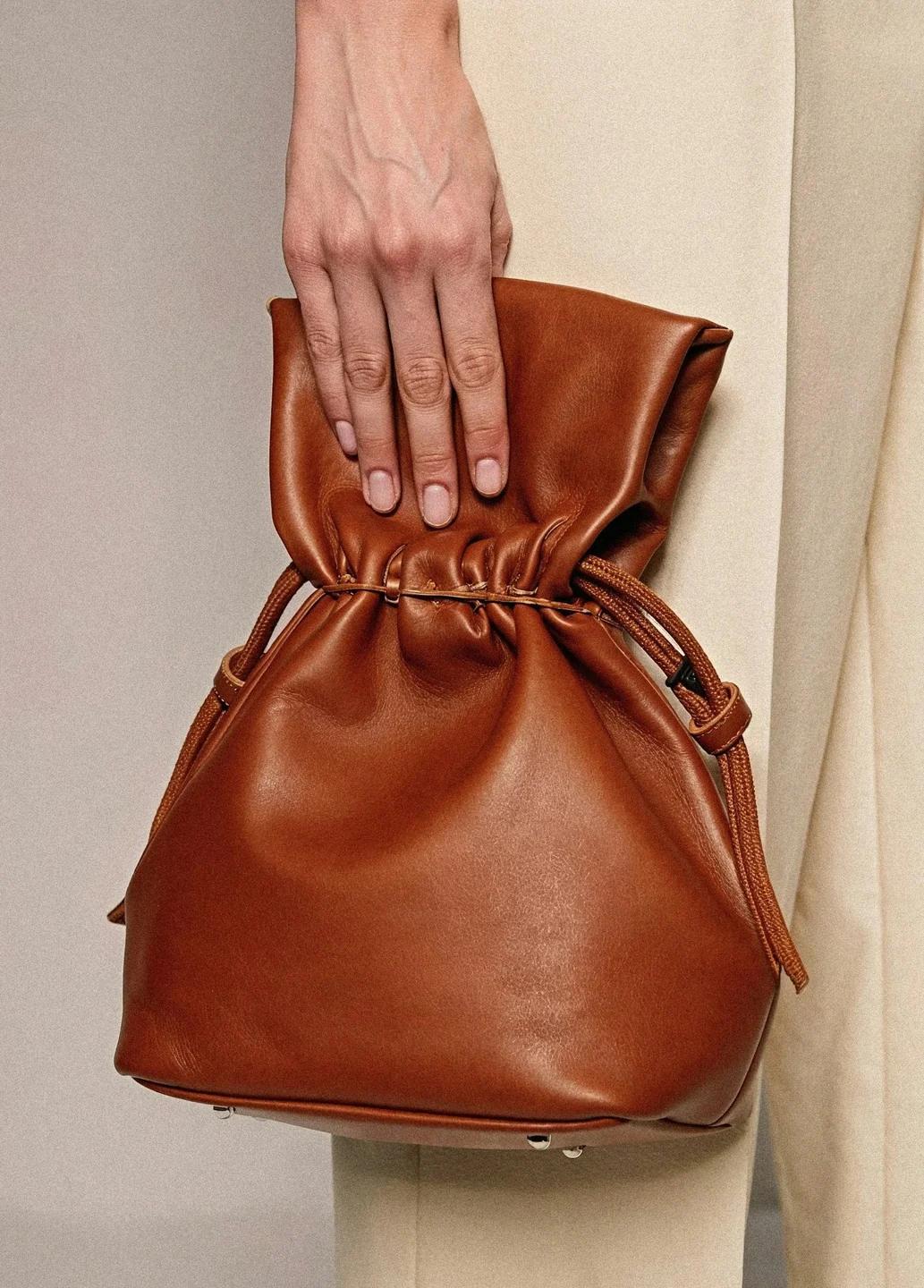
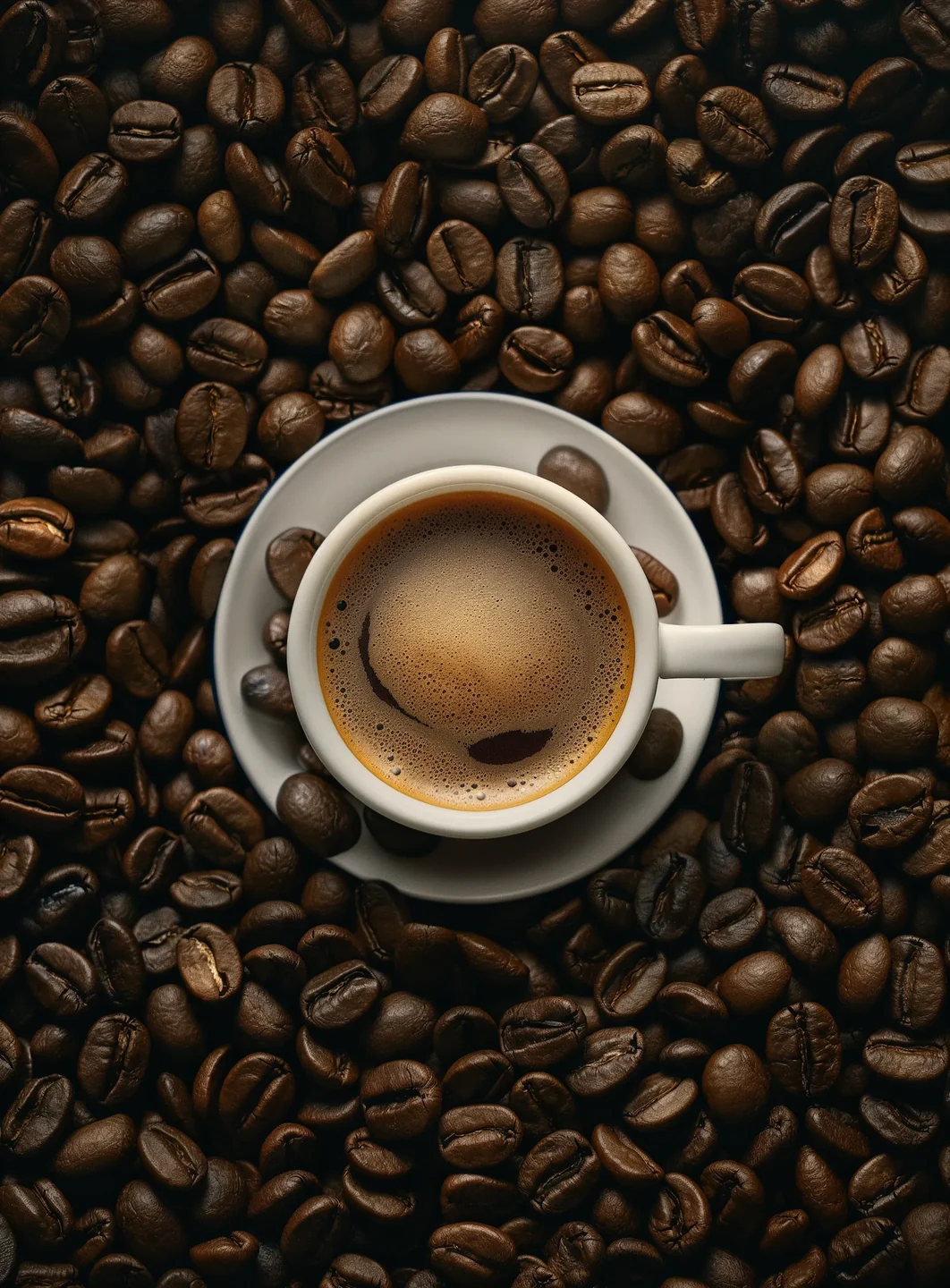
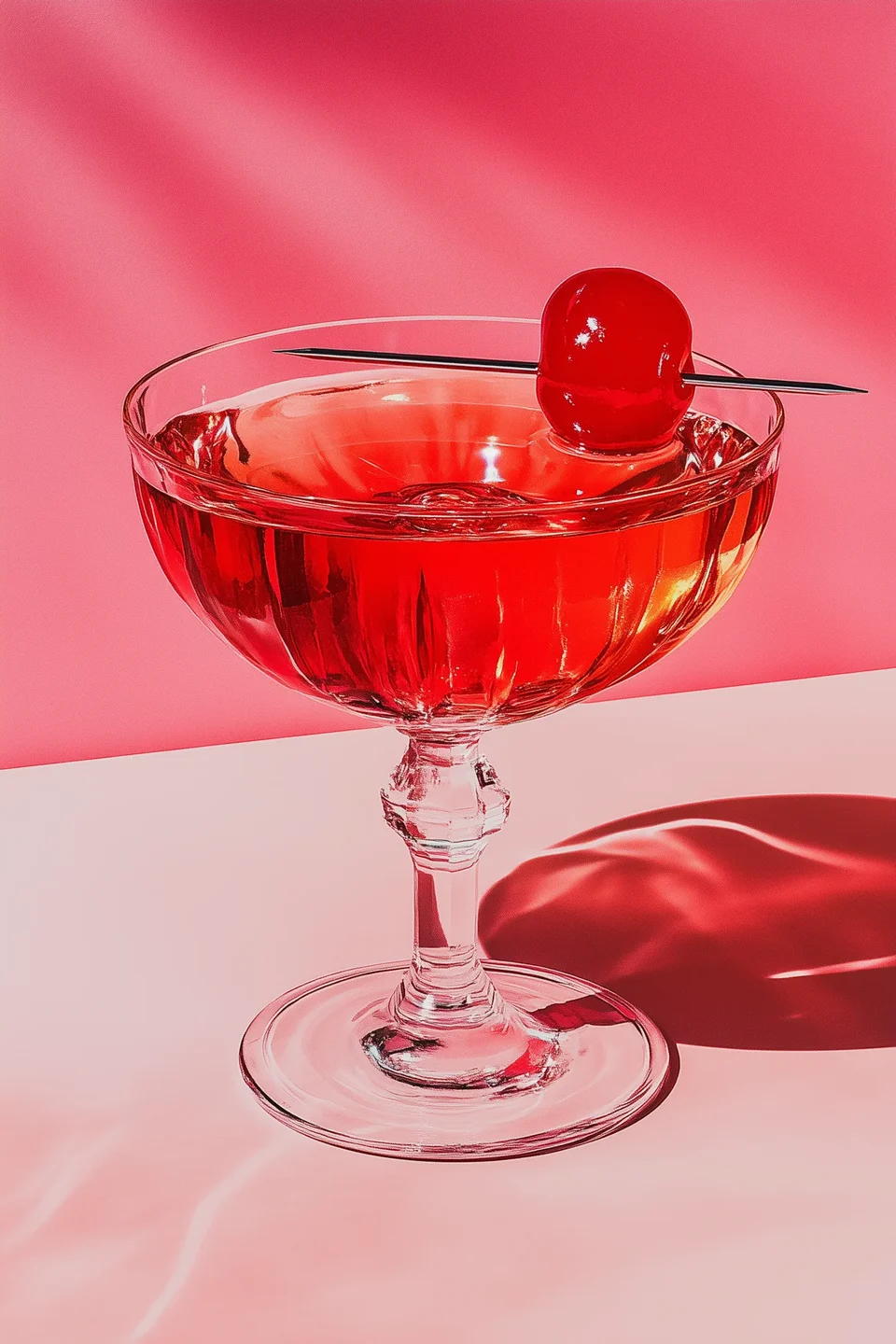
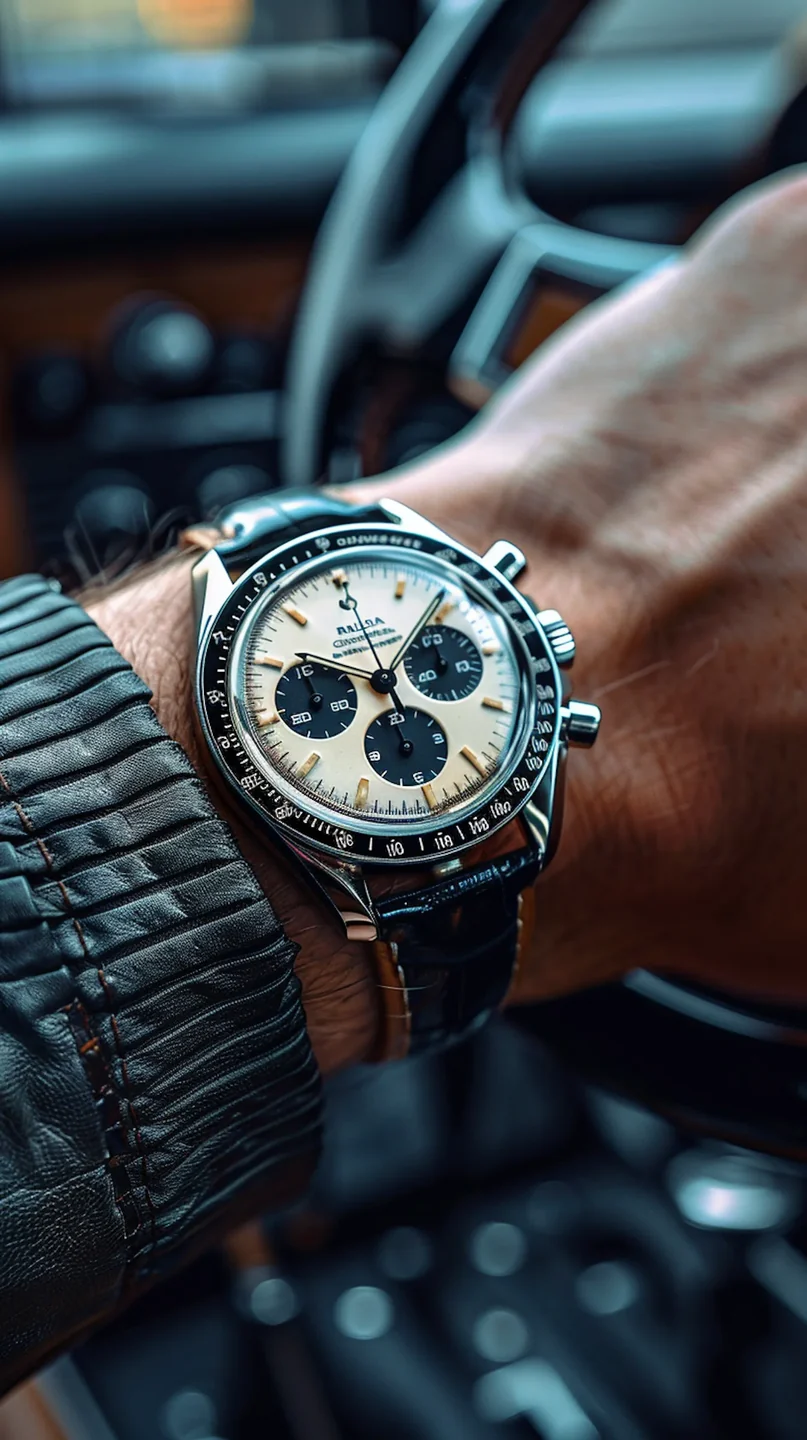
The ZenCreator AI Product Image Generator helps users create product-focused visuals from prompts, product references, or creative directions. It is designed for sellers, marketers, small businesses, creators, and agencies that need product images for online stores, landing pages, ads, emails, and social media.
Instead of starting every visual project with a full photoshoot, you can use AI to create product photo concepts, background ideas, campaign visuals, and lifestyle-style scenes.
product photo on a clean background
Stronger product promptMinimal skincare product photo on a clean beige background, soft studio lighting, premium brand style
Product visuals need more than a generic image. A strong product image should show the product clearly, match the brand style, and fit the platform where it will be published.
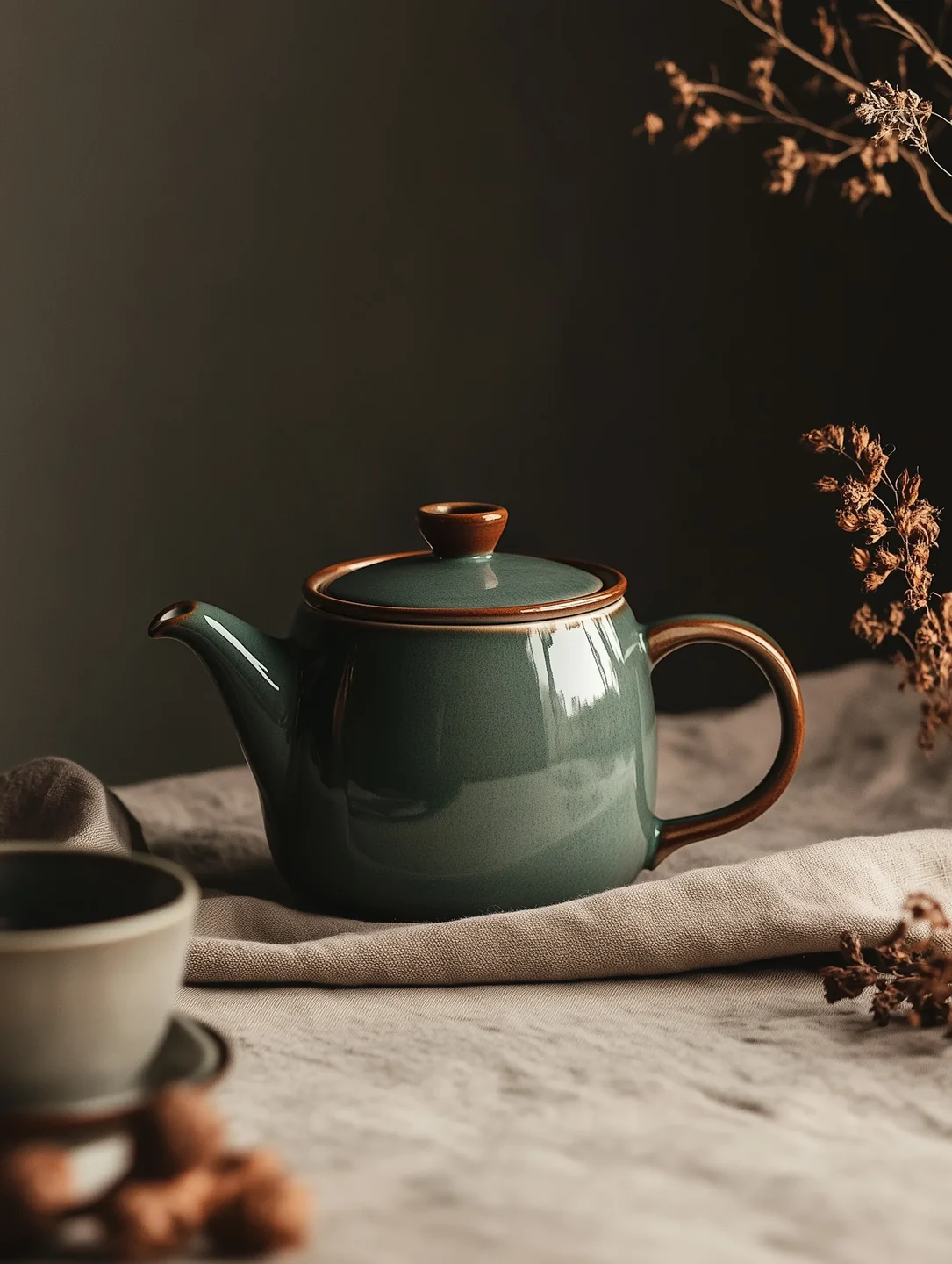
Use a simple prompt when you need fast ideas for listing images or social visuals.
Minimal skincare product photo on a clean beige background, soft studio lighting, premium brand style
Add context when the product needs a setting, story, or use-case mood.
Ceramic coffee mug on a warm wooden table near a window, soft morning light, 4:5 format
Add campaign direction, mood, product category, and platform format.
Matte black water bottle, clean studio background, bold shadow, premium sports brand, square format
Use reference direction, seed consistency, or style guidance when multiple images should feel like one campaign.
Open image workflow
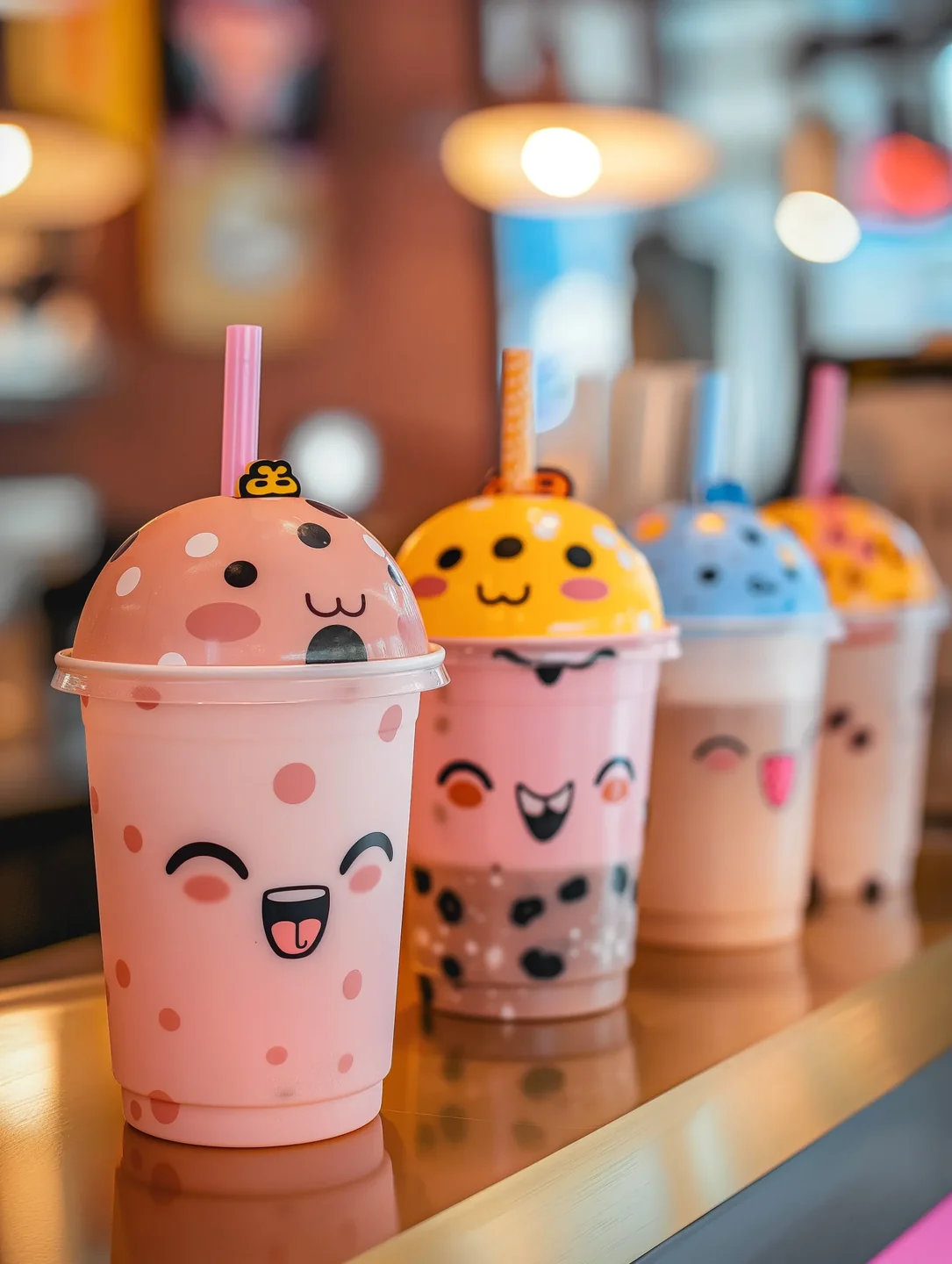
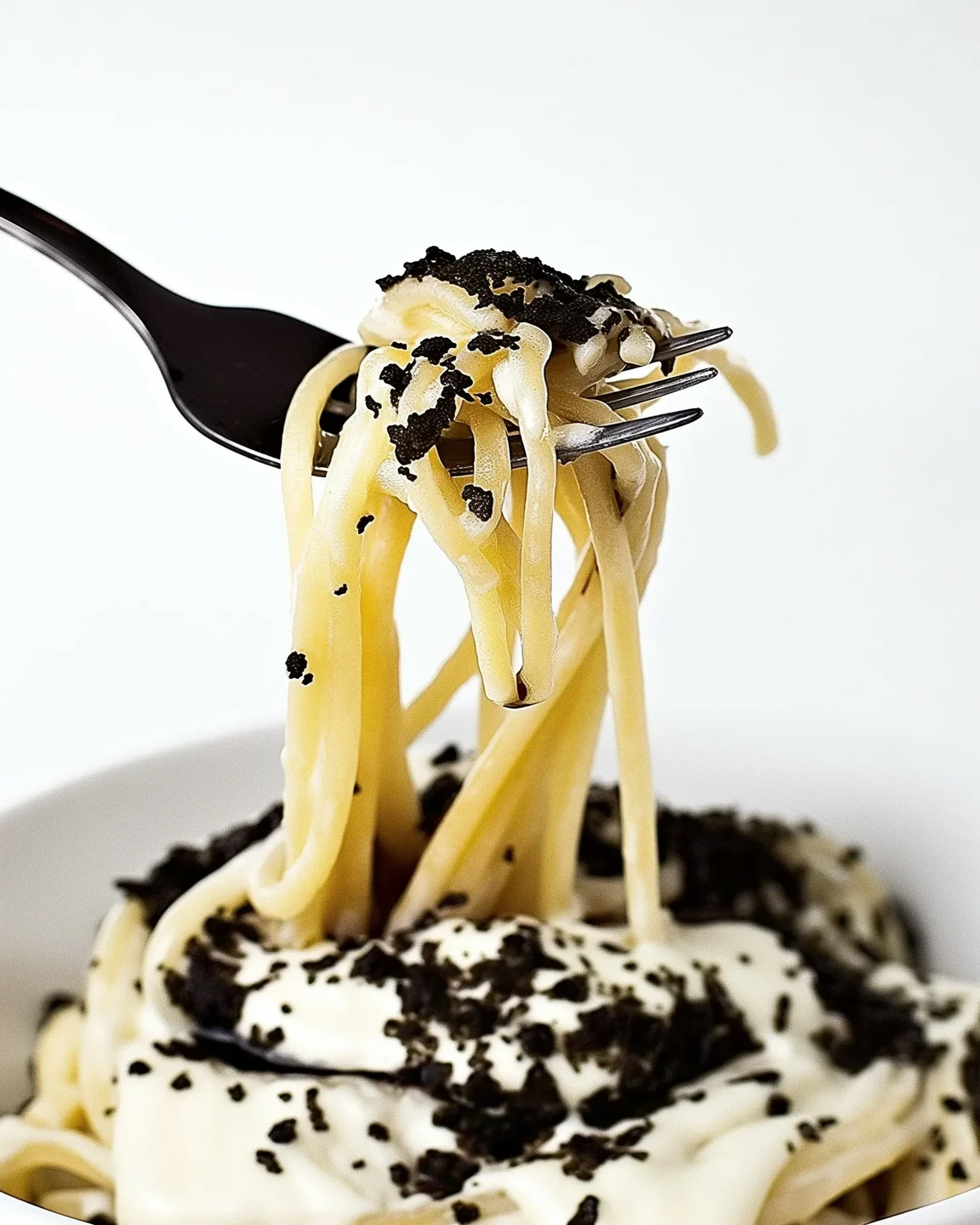
Move from product idea to image concept without waiting for a full design or photography process. This helps when you need quick ecommerce content, campaign drafts, or social post visuals.
Move from product idea to image concept without waiting for a full design or photography process.
Create multiple image directions faster so you can compare, refine, and choose the strongest version.
Use AI product images for cleaner backgrounds, lifestyle settings, product story ideas, and campaign-ready concepts.
Generate different product scenes, backgrounds, angles, moods, and campaign visuals for testing.
Create useful product visuals without needing a large creative team for every campaign.
Refine, upscale, edit, animate, or turn product visuals into short-form video content.
Generate product visuals, compare creative directions, refine outputs, upscale images, and move into video or template workflows when the product story needs more than one asset.
Write what type of product visual you want and generate image options based on your product, setting, style, and platform goal.
Describe the product, background, lighting, mood, angle, brand style, and image format with guided prompt structure.
Use reference-based workflows when you want to guide style, composition, product category, or brand direction.
Create clean studio backgrounds, lifestyle scenes, seasonal setups, outdoor scenes, editorial looks, or ad-style compositions.
Generate more than one version to compare styles, backgrounds, and campaign directions.
Use Flux or SDXL style directions when supported by the live product.
Expand short product ideas into stronger prompts with lighting, camera angle, environment, and style details.
Improve clarity, size, and presentation before publishing on ecommerce pages, ads, or landing pages.
Start with a product goal, add a prompt or product reference, choose the style, generate options, refine the best image, and use it in your marketing workflow.
Decide whether you need an ecommerce listing image, lifestyle scene, product ad creative, social post, website hero, launch visual, seasonal campaign image, or brand moodboard.
Start with a product description, uploaded reference, or creative direction. Describe product type, material, color, background, lighting, and mood.
Pick clean studio, lifestyle, premium ecommerce, bright social ad, editorial, seasonal, or minimalist product layout.
Create several variations and compare which one best fits your brand or campaign.
Adjust the prompt, improve the background, upscale the selected image, or move it into another creative workflow.
Use the final product image for online stores, landing pages, social media, ads, emails, launches, or creative planning.
Use product image AI for online stores, product launches, social posts, ad creative drafts, brand moodboards, and agency concept work.
Create clean product visuals for online stores, category pages, landing pages, and product collections.
Generate product image concepts, lifestyle scenes, seasonal visuals, and product ad ideas for store growth.
Create visual directions for announcements, launch banners, social posts, and email promotions.
Create product content for Instagram, TikTok covers, Pinterest pins, Facebook posts, LinkedIn graphics, and short-form campaigns.
Generate visual variations for paid social, display ads, landing page tests, and campaign planning.
Create product-focused visuals that help define a campaign direction before final production.
Create quick promotional visuals for sales, new arrivals, seasonal offers, and local business marketing.
Create fast visual directions for client review before investing in final photography or design production.
ZenCreator AI Product Image Generator is especially helpful when you need fresh product visuals, multiple creative directions, or quick campaign ideas without starting from a blank design file.
This page is not only about general AI images. It focuses on images that help users present, promote, and test products.
Create images that help users present, promote, and test products.
Connect product images with AI image generation, upscaling, editing, image-to-video, video, templates, and prompt guides.
Create multiple product image directions before deciding what to publish, test, or send into final production.
Magic Prompt-style support and prompt examples help users improve without advanced prompting experience.
Speak directly to users who need visuals for stores, ads, emails, campaigns, and landing pages.
Pricing, commercial use, privacy, responsible AI, and help links stay close to CTAs.
Some users search for Product Image Generator Free or AI Product Image Generator Online because they want to test a tool before paying. ZenCreator AI may offer starter access, trials, previews, or credit-based usage depending on the current pricing setup.
Do not claim the tool is free unless the live product truly supports free credits or a free plan.
Instead of “Product photo,” write: “A matte black water bottle with a stainless steel cap on a clean stone surface, soft studio lighting.”
Mention skincare, fashion, tech, food, home decor, fitness, jewelry, apparel, or digital product packaging.
Use clean white studio background, warm lifestyle kitchen scene, premium marble surface, outdoor adventure setting, soft beige ecommerce background, or bold colored ad background.
Use product photography language such as soft studio lighting, natural window light, editorial lighting, bright ecommerce light, cinematic shadows, or clean high-key light.
Use 1:1 for product grids, 4:5 for Instagram feed, 9:16 for Stories/Reels/TikTok, and 16:9 for landing pages and thumbnails.
Create multiple outputs to compare backgrounds, angles, and campaign moods.
Only upload product photos, brand assets, logos, or client materials that you own or have permission to use.
Use upscaling or editing before publishing product images on ecommerce pages, ads, or landing pages.
Use these prompts as starting points, then adjust the product type, material, color, background, lighting, camera angle, mood, platform format, and brand style.
Minimal ecommerce product photo of a white skincare bottle on a soft beige background, clean studio lighting, premium beauty brand style, sharp focus, 1:1 formatA ceramic coffee mug on a wooden desk near a sunny window, warm morning light, cozy home lifestyle setting, shallow depth of field, vertical 4:5 imageBold product ad image of a black fitness water bottle with dramatic side lighting, clean dark background, premium sports brand style, high contrast, square formatHoliday product scene with a small gift box, warm lights, soft red and gold background, premium ecommerce campaign style, clean compositionModern wireless earbuds on a reflective surface, blue gradient background, futuristic product launch style, crisp lighting, 16:9 website hero imageUse this comparison to understand why a connected creative workflow is stronger than a single isolated product image tool.
| Need | Basic Product Image Tool | ZenCreator AI Product Image Generator |
|---|---|---|
| Product image ideas | Limited presets | Prompt and reference-based creative direction |
| Background styles | Basic background changes | Studio, lifestyle, ecommerce, and campaign scenes |
| Creative variations | Often limited | Multiple directions for testing |
| Prompt help | Manual prompt writing | Magic Prompt-style support when available |
| Model options | Often hidden or limited | Flux and SDXL options where supported |
| Post-generation workflow | Separate tools needed | Upscaling, editing, image-to-video, and AI video links |
| Ecommerce use cases | Generic | Built around product listings, ads, launches, and social content |
| Trust guidance | Often unclear | Link to commercial use, privacy, terms, and responsible AI pages |
Clear answers before users start creating, uploading references, or using product visuals in ecommerce and ad projects.
Generate ecommerce visuals, product scenes, ad creatives, social posts, and brand-ready product concepts from one AI creative studio. Start with a prompt, product reference, or campaign idea and create product visuals faster.